Q Display • Spring 2026
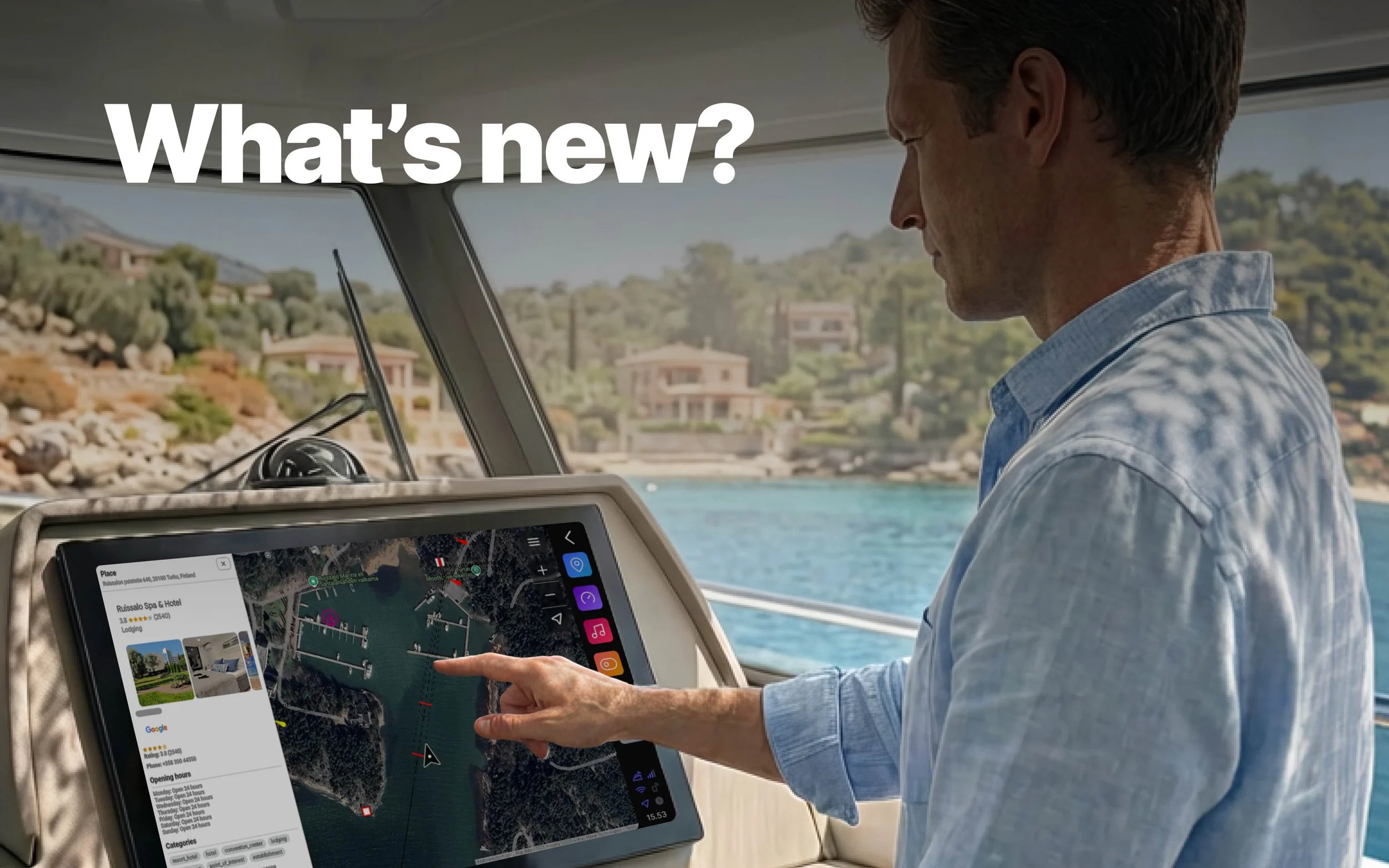
The Q Display Spring 2026 update is on its way. This release brings two major additions to the chart experience: Google Maps as a dedicated application and online place search through OpenStreetMap. Alongside these, the release includes a renewed boat controls application, side panel improvements, winterization support for Q Guard, and a range of other updates.
New Google Maps application
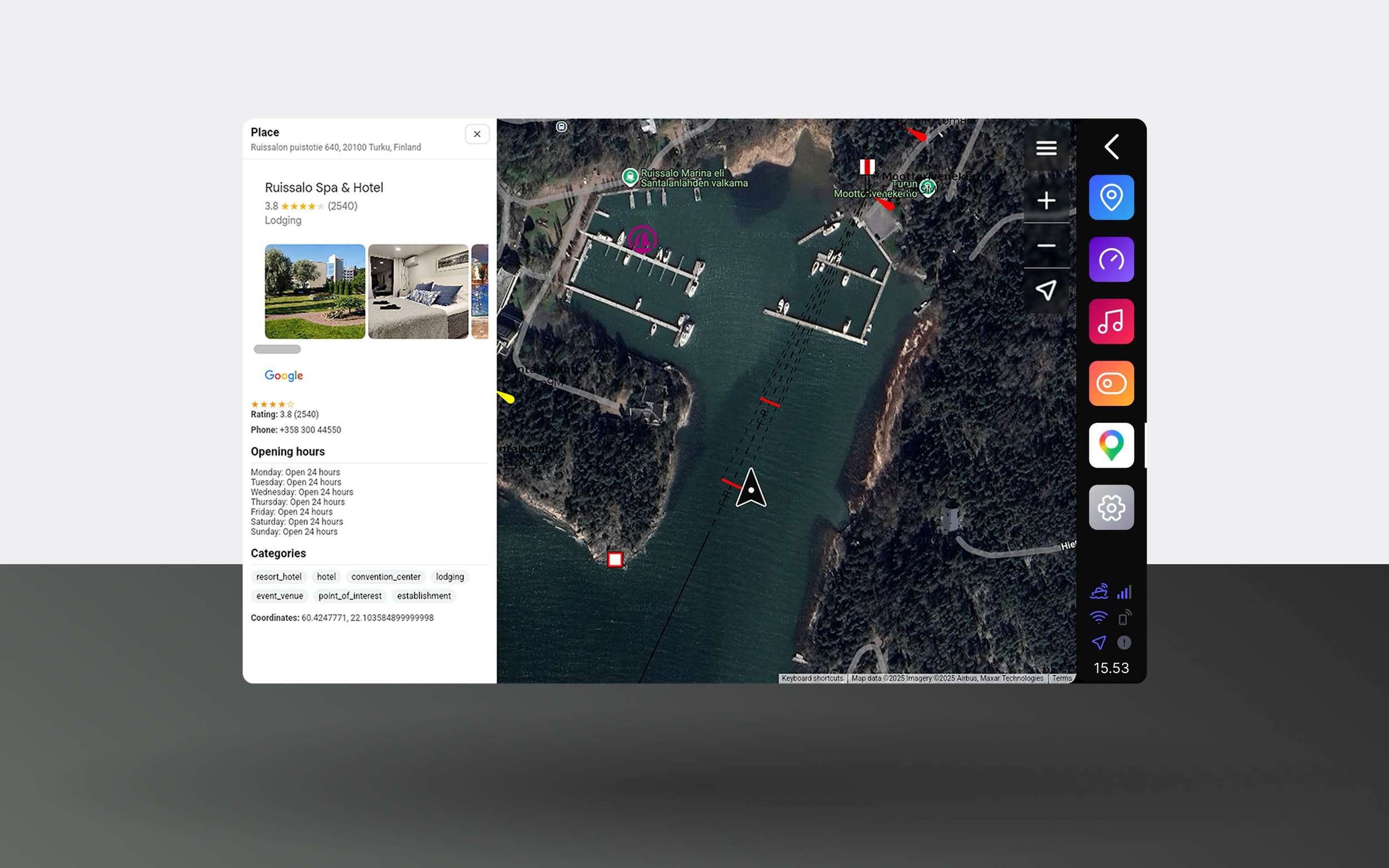
Google Maps comes to Q Display as a dedicated native application, something no other marine display currently offers. Unlike a browser-based experience, it runs smoothly and responsively directly on your display, giving you access to satellite imagery, place search, and OpenSeaMap seamarks.
Used alongside your Navionics chart in split view, Google Maps adds a new layer of context. Satellite imagery helps you read the terrain and shorelines in a way that a traditional chart cannot. The OpenSeaMap seamarks overlay adds navigational markers directly on the satellite view, making it a practical standalone option as well for simpler navigation in areas with good water visibility and a stable internet connection.
The built-in place search draws from the extensive Google Places database, giving you access to restaurants, marinas, fuel stations, and much more. Find your destination and navigate there without switching to your phone.
Requires a Q Connected subscription and an internet connection.
Online search for the Chart application
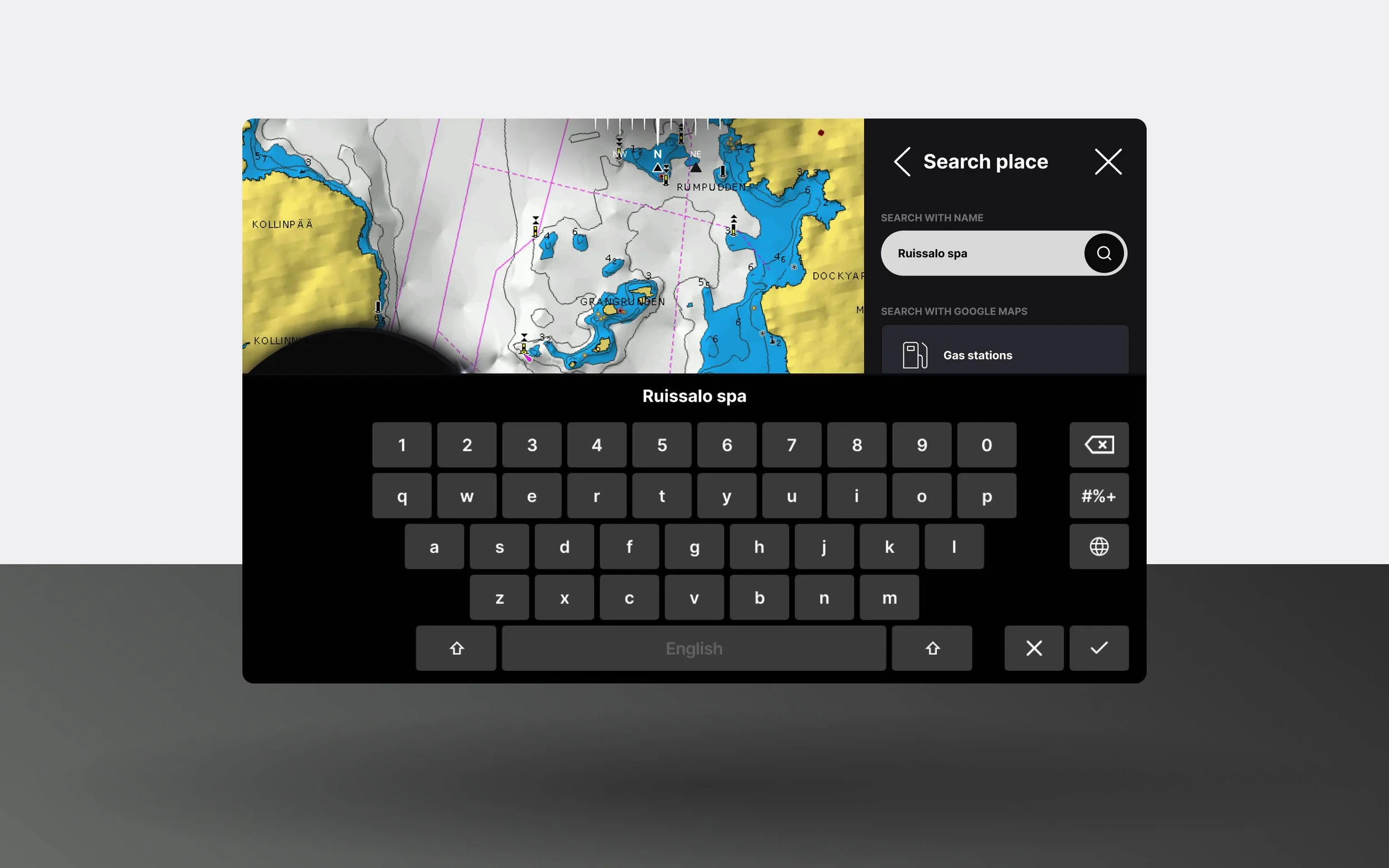
The Chart application now supports online place search alongside the existing Navionics search. While Google Maps is a separate application, this feature brings OpenStreetMap place data directly into the Chart application, on top of your Navionics chart.
Navionics charts contain very little point-of-interest data, which means finding a marina, restaurant, or fuel station has traditionally meant scrolling the chart manually or searching on your phone. Even then, getting those coordinates from your phone onto the chart has not been straightforward. With OpenStreetMap integration, you can search for a wide range of destinations directly in the Chart application and navigate or autoroute there without leaving the chart view.
Requires a Q Connected subscription and an internet connection.
Side panel improvements
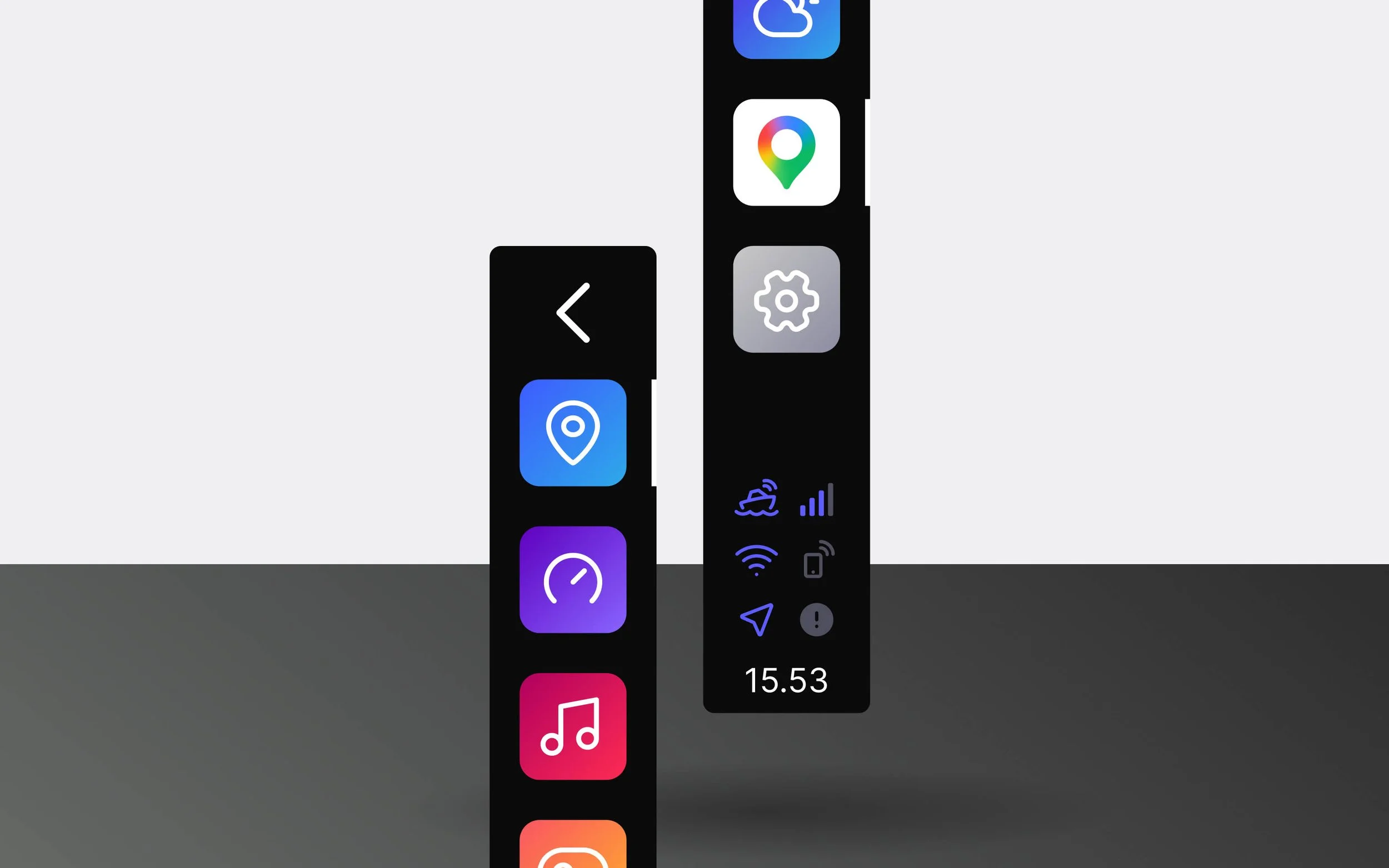
The active application is now always shown in the side panel, whether it has been pinned or not. Previously, only pinned applications appeared in the side panel, which meant that opening an unpinned application gave no visual indication of what was running. Now the active application is always visible, making it easier to keep track of what is open and switch between applications.
The side panel also remains visible when opening Settings and other system views, so you always have a clear sense of where you are in the interface. Together, these changes make navigating the display feel more intuitive and predictable.
Connectivity icons
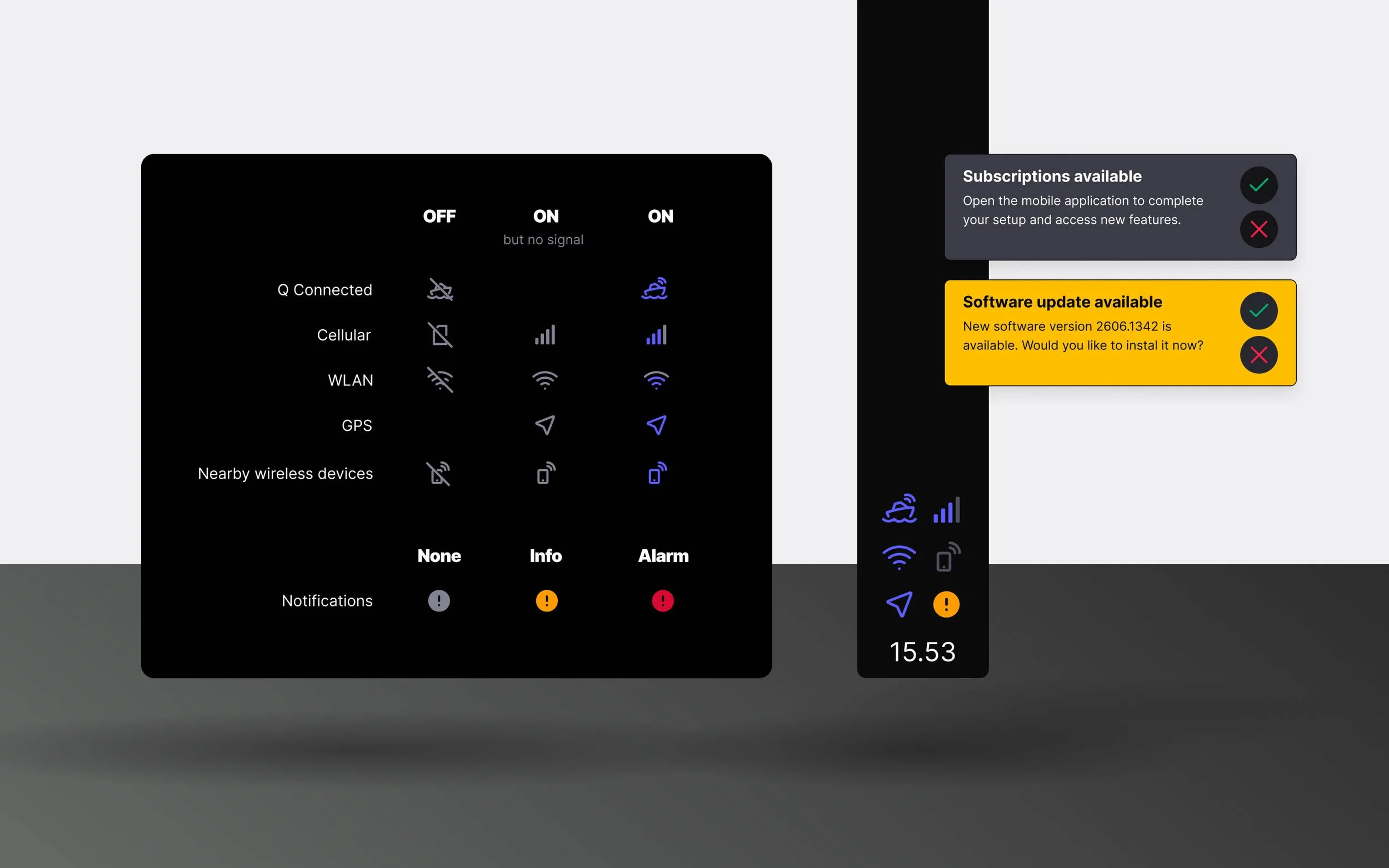
The side panel connectivity icons have been renewed with clearer visual states. The icons now show your Q Connected subscription status and the state of cellular, WLAN, GPS, and nearby wireless devices at a glance. A new notification icon indicates when you have pending notifications or active alarms.
Winterization mode
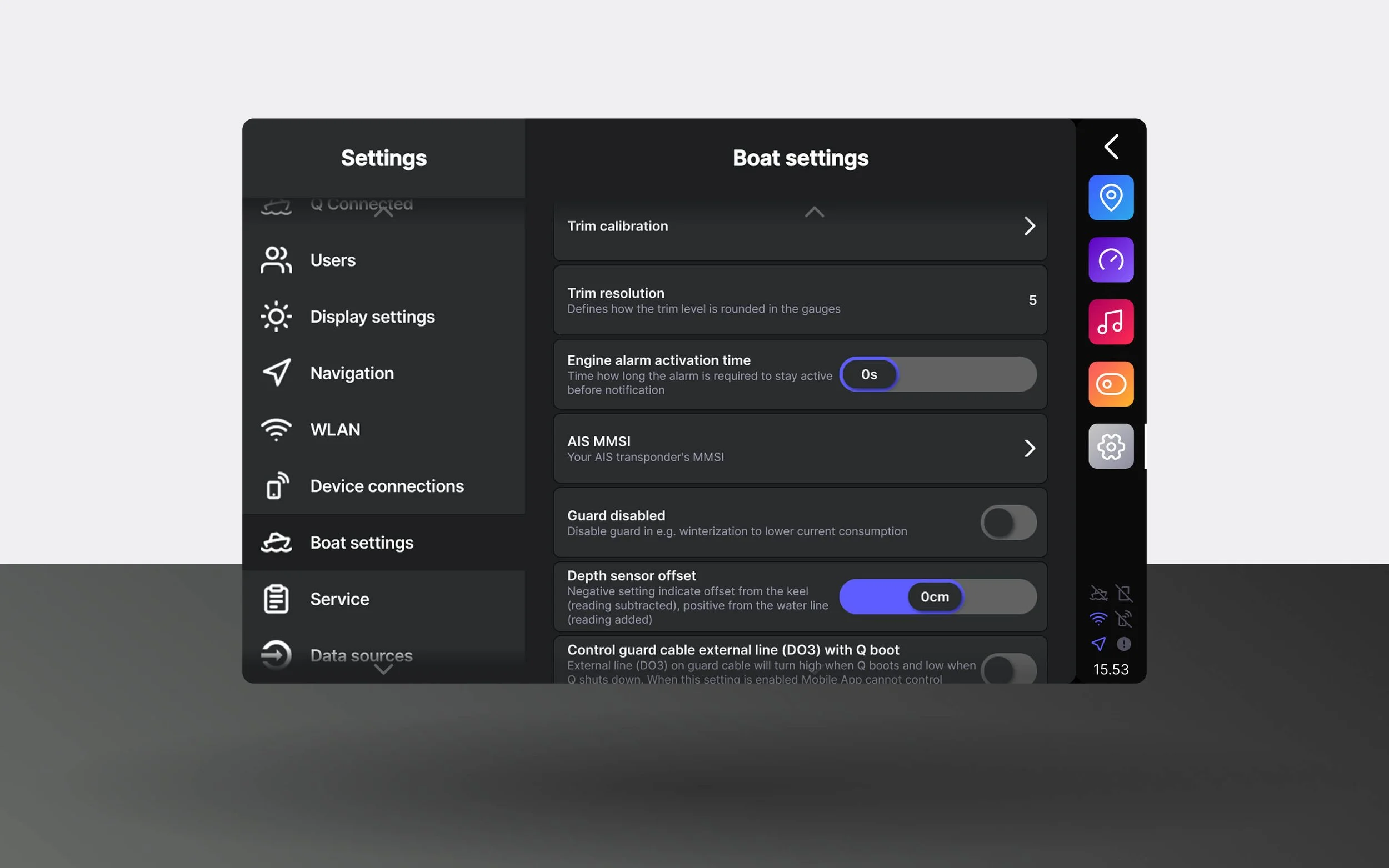
Q Guard can now be disabled directly from the display settings. When your boat is in storage for an extended period, and Q Guard monitoring is not needed, disabling it prevents the display from making regular network connections, reducing power consumption significantly.
Previously, the only way to achieve this was to disconnect the boat battery entirely. Now it can be done in a few taps from the settings, without the need to access the battery.
Q Connected settings view
Q Connected now has a dedicated page in the display settings, making it easier to find your subscription information without digging through the menus.
From this page you can see your subscription status, get guidance on how to download and link the Q App, and monitor your optional data package usage, all in one place.
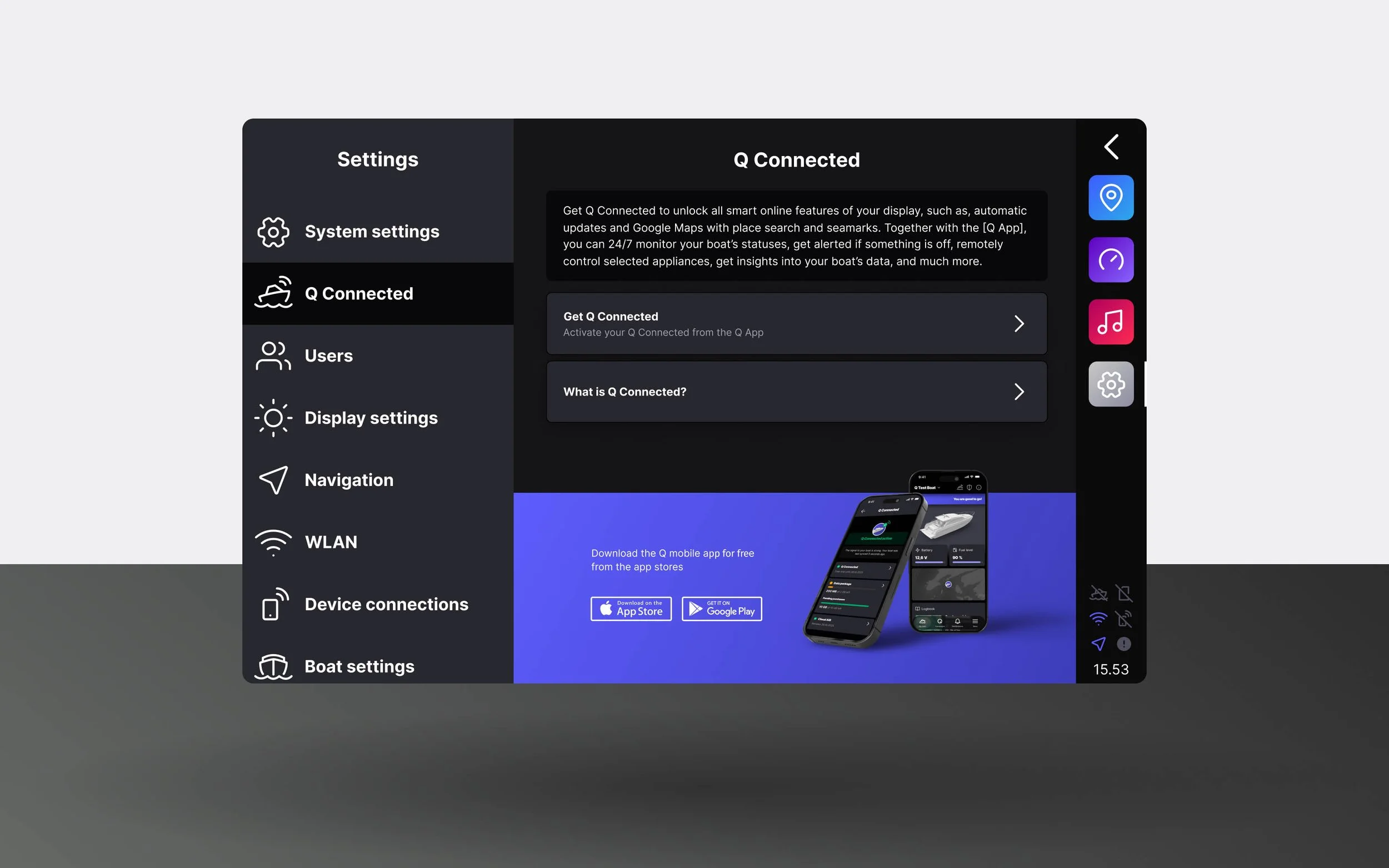
Chart optimization
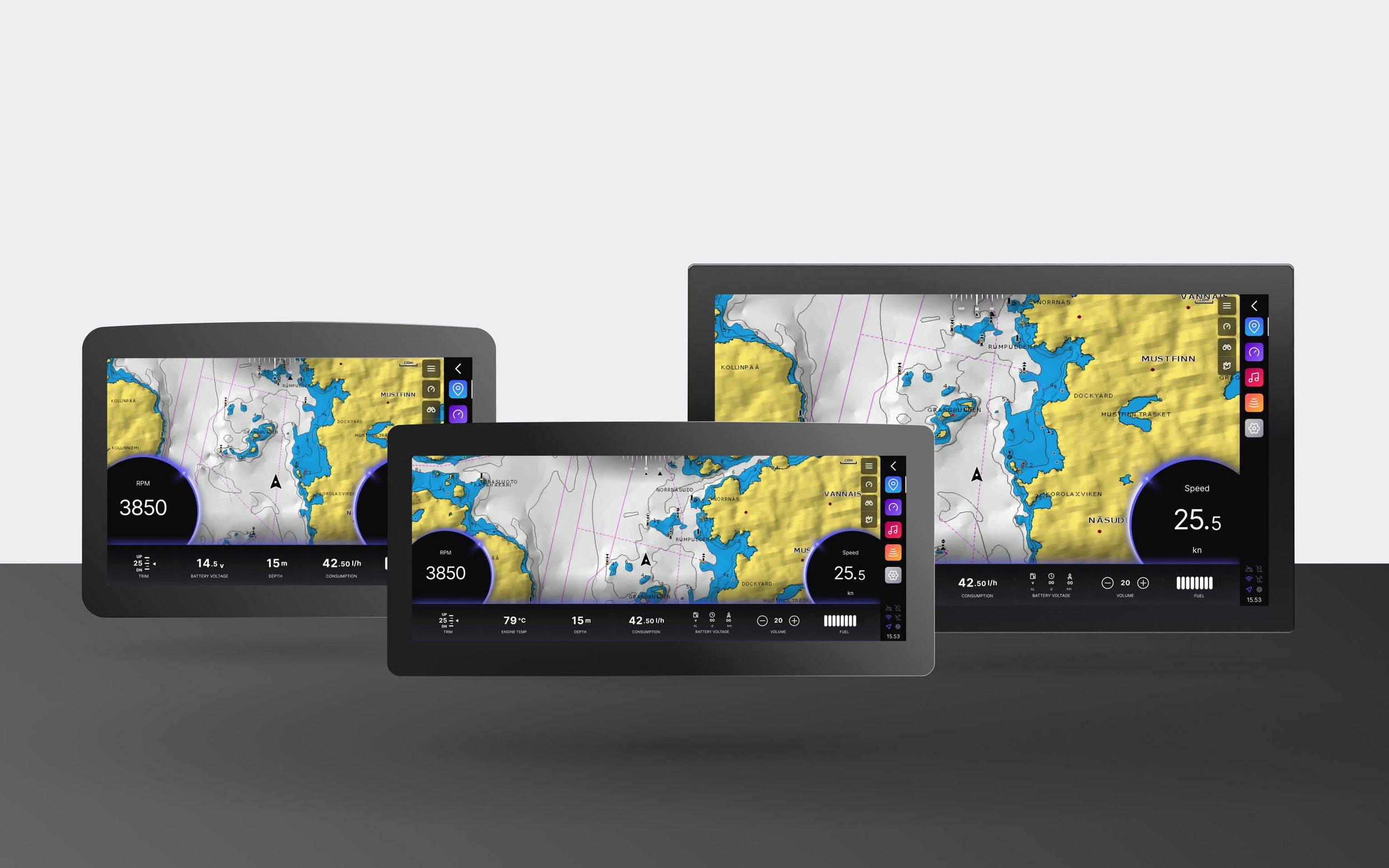
The chart application's gauges and bottom bar have been resized across all screen sizes. On the 10" display, the gauges and bottom bar are now smaller, giving more screen space to the chart itself. On larger displays, gauges have been scaled down further to create a more balanced and harmonious layout between the chart and dashboard views. The new 12" and 15" wide Float mount displays are also fully supported with optimized layouts for their wider aspect ratio.
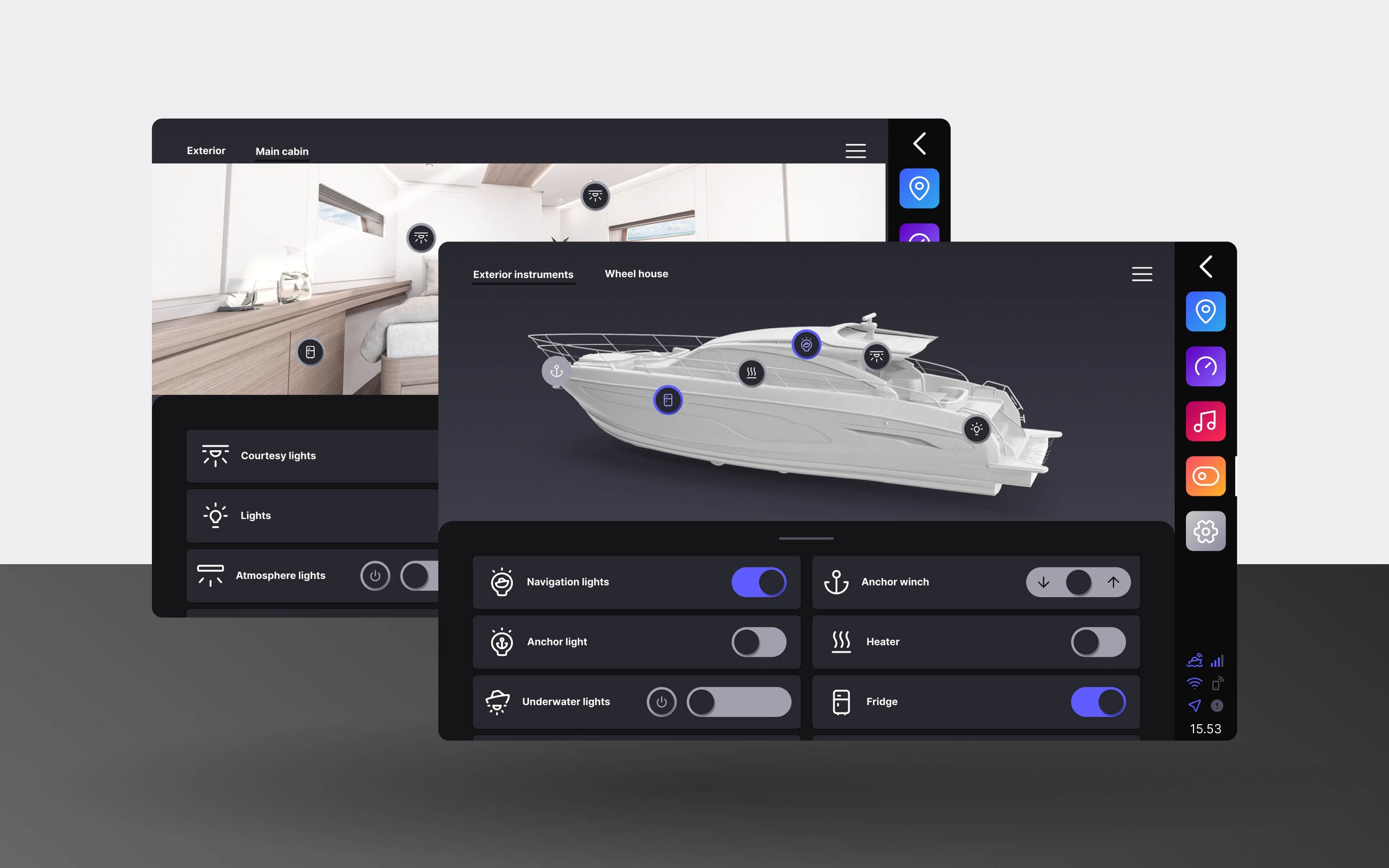
Renewed boat controls application
The boat controls application has been renewed with support for boat model-specific images and a more user-friendly layout. Controls can now be grouped into separate pages, and toggled directly on the boat image or through drawers that can be minimized or expanded to full size.
Requires a Marlin Technologies or Q Digital Switch to be installed in the boat