
For Rentals
Your fleet, always in sight.
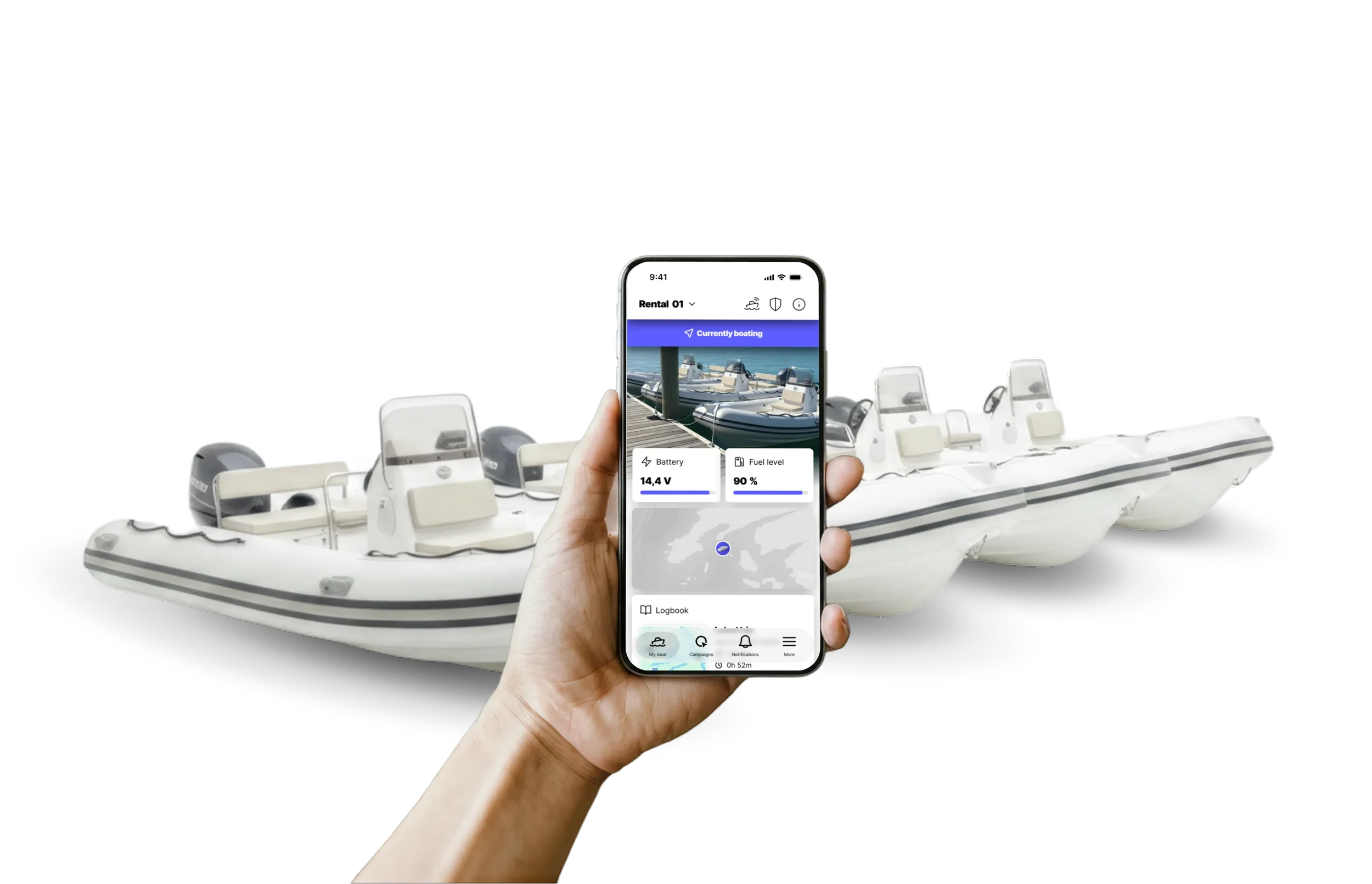
Q gives rental operators real-time visibility over every vessel in the fleet, from location and fuel level to engine alerts and trip history. All from the Q App, wherever you are.
Real-time data, Q Guard alerts, and statistics. All in one.
Managing a rental fleet means keeping track of boats out on the water, in the hands of people with varying levels of experience.
With Q and its built-in always-on Q Connected connectivity, every vessel reports back in real time: location, fuel level, engine status, trip history, and alerts if something is not right. All visible in the Q App, from anywhere.
A fleet that runs is a fleet that earns
-
Always know where your boats are
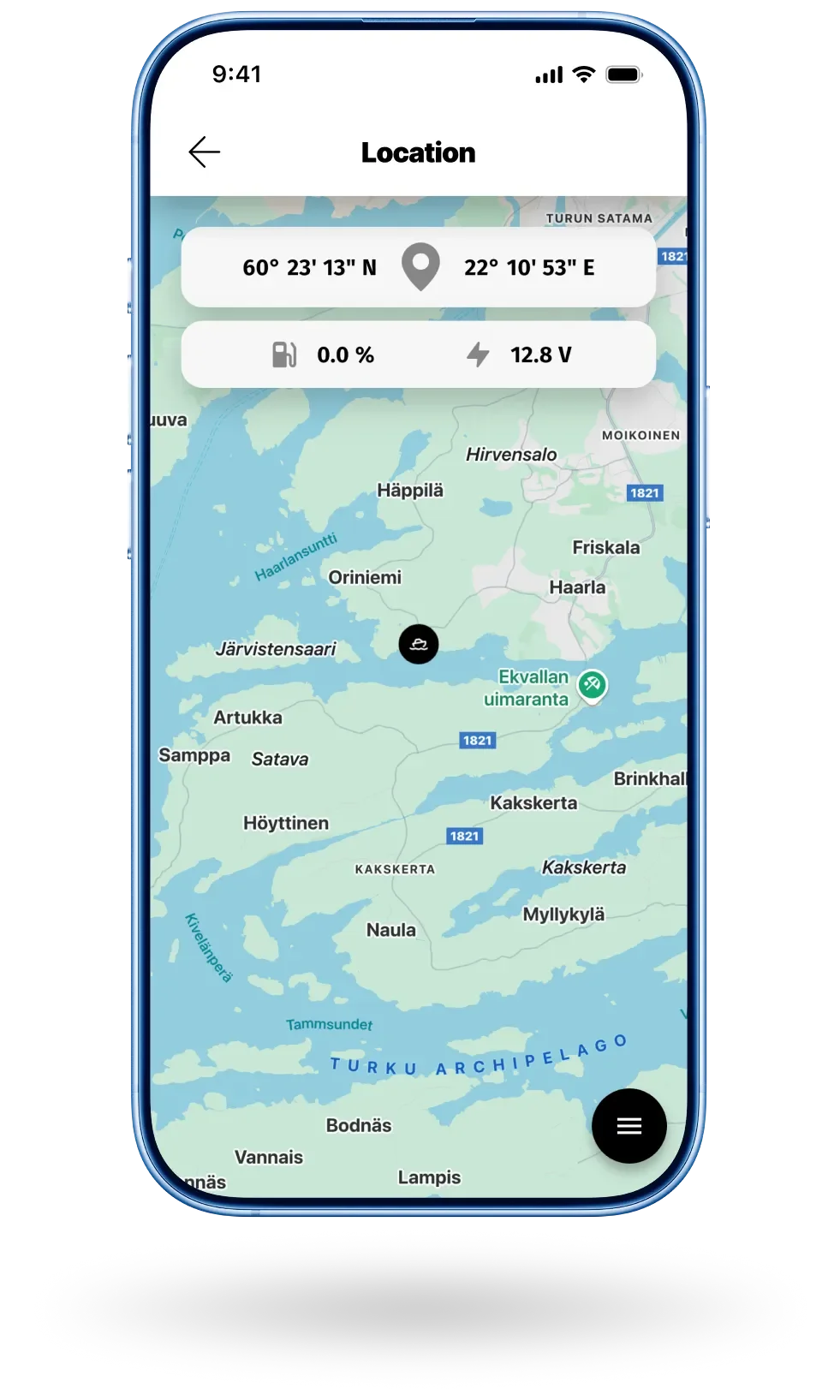
Every vessel in your fleet is visible in the Q App in real time. See when a boat starts moving, when it returns, and get an instant alert if it leaves its designated area.
-
Every trip, on record
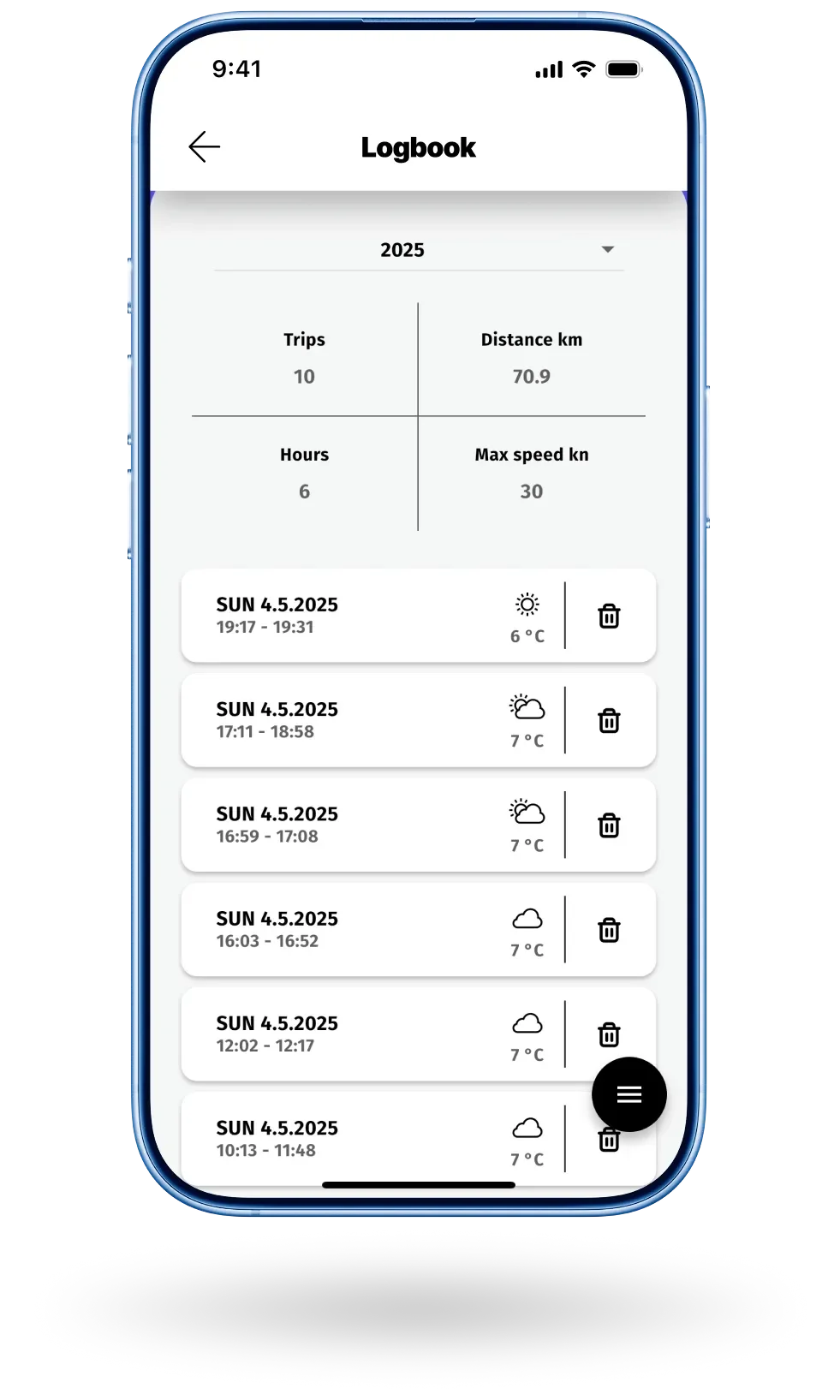
Q's logbook automatically records every route, speed, and location. If there is ever a dispute about how a boat was used, the logbook tells the real story.
-
Alerts that help you act fast
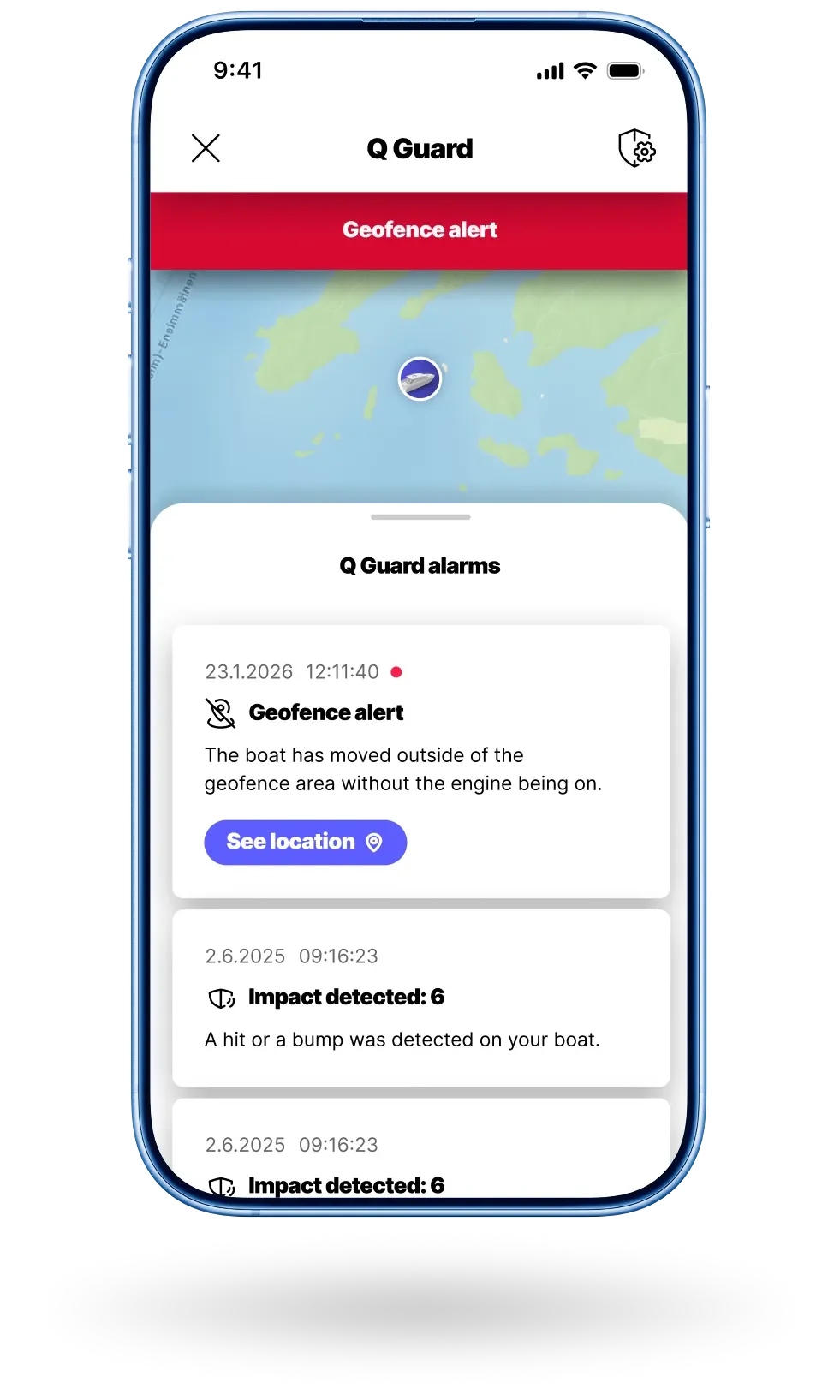
Q Guard sends engine warnings, battery alerts, bilge alarms, and impact notifications. For a rental business, these are diagnostic tools as much as safety features, helping you help your renters before a small problem becomes a big one.
-
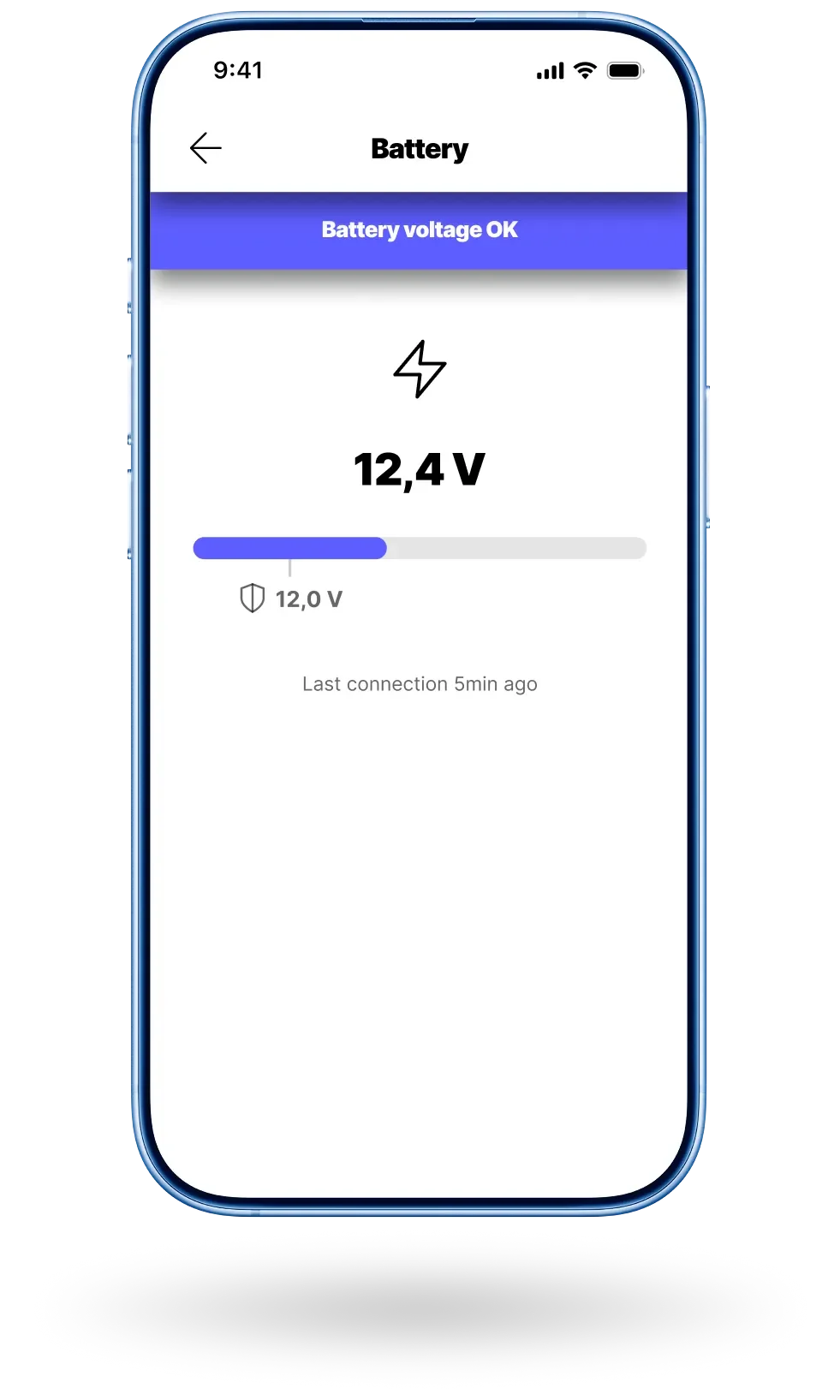
Battery and fuel, always in check
Monitor battery voltage and fuel levels remotely across the fleet. Reach out to renters before they run into trouble, not after.
-
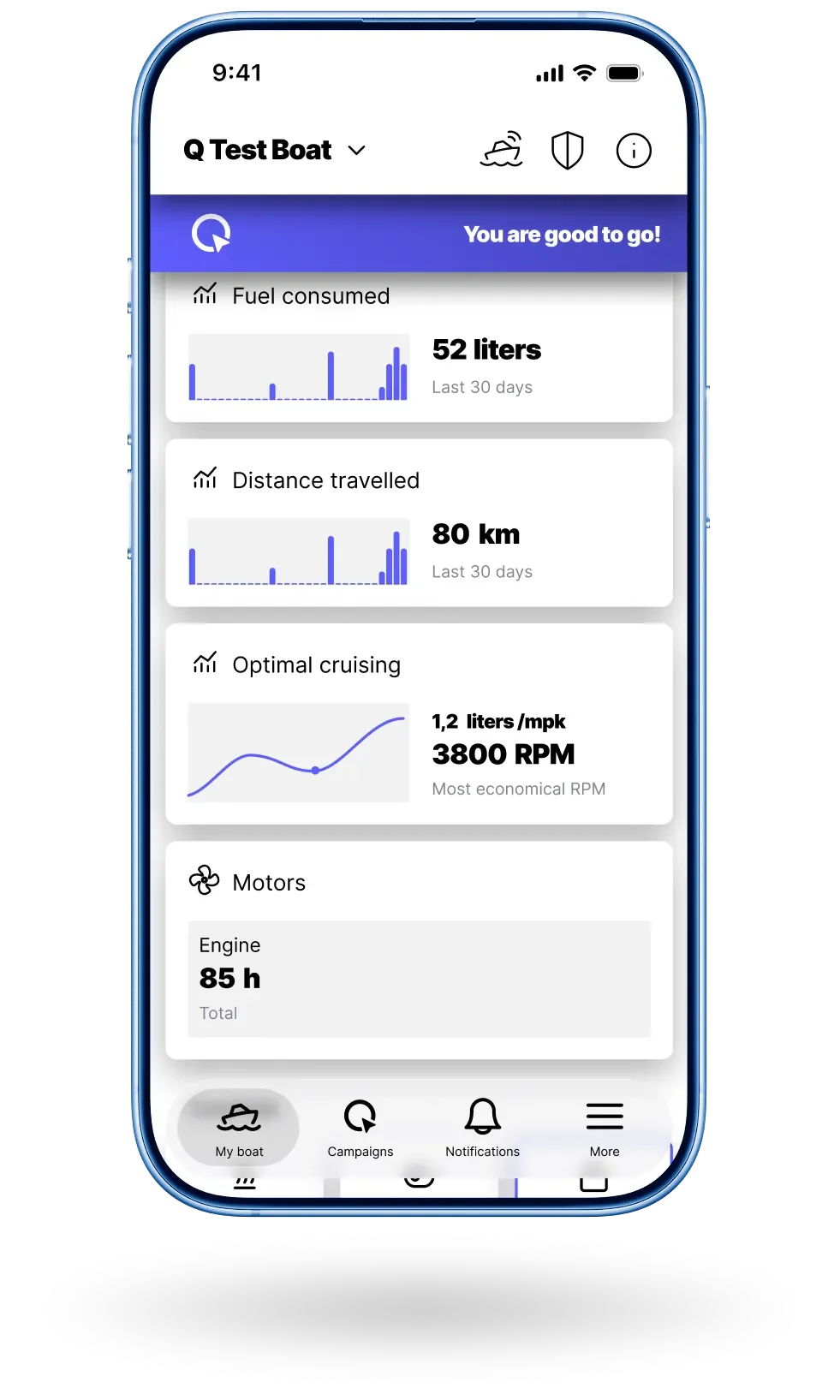
Fleet performance at a glance
Track distance, fuel consumption, and engine hours across the whole fleet. Know when a boat needs servicing without checking it in person.
-
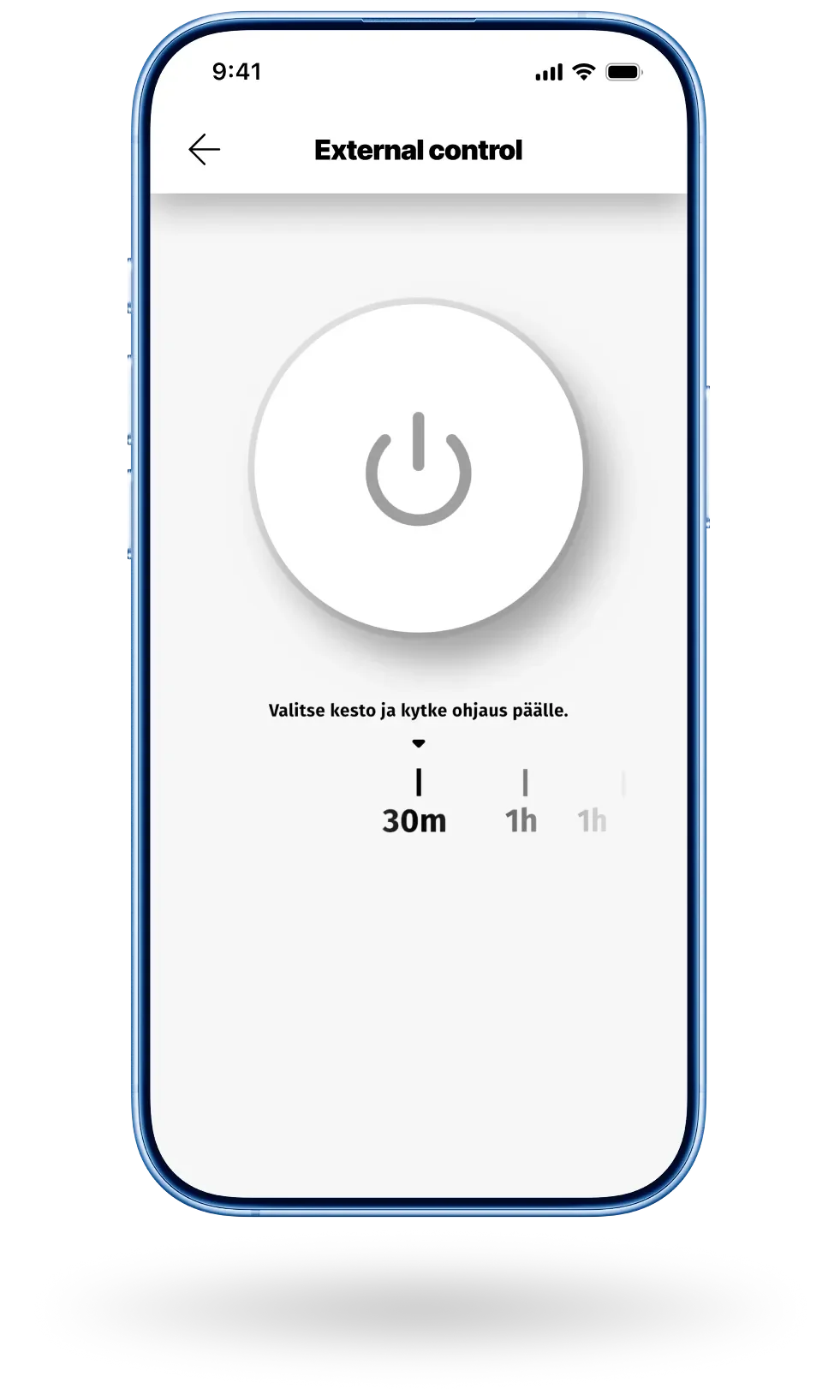
Ready for the next rental
Control onboard systems remotely between rentals: heaters, lights, and other connected appliances. Have everything ready before the next renter arrives.
-
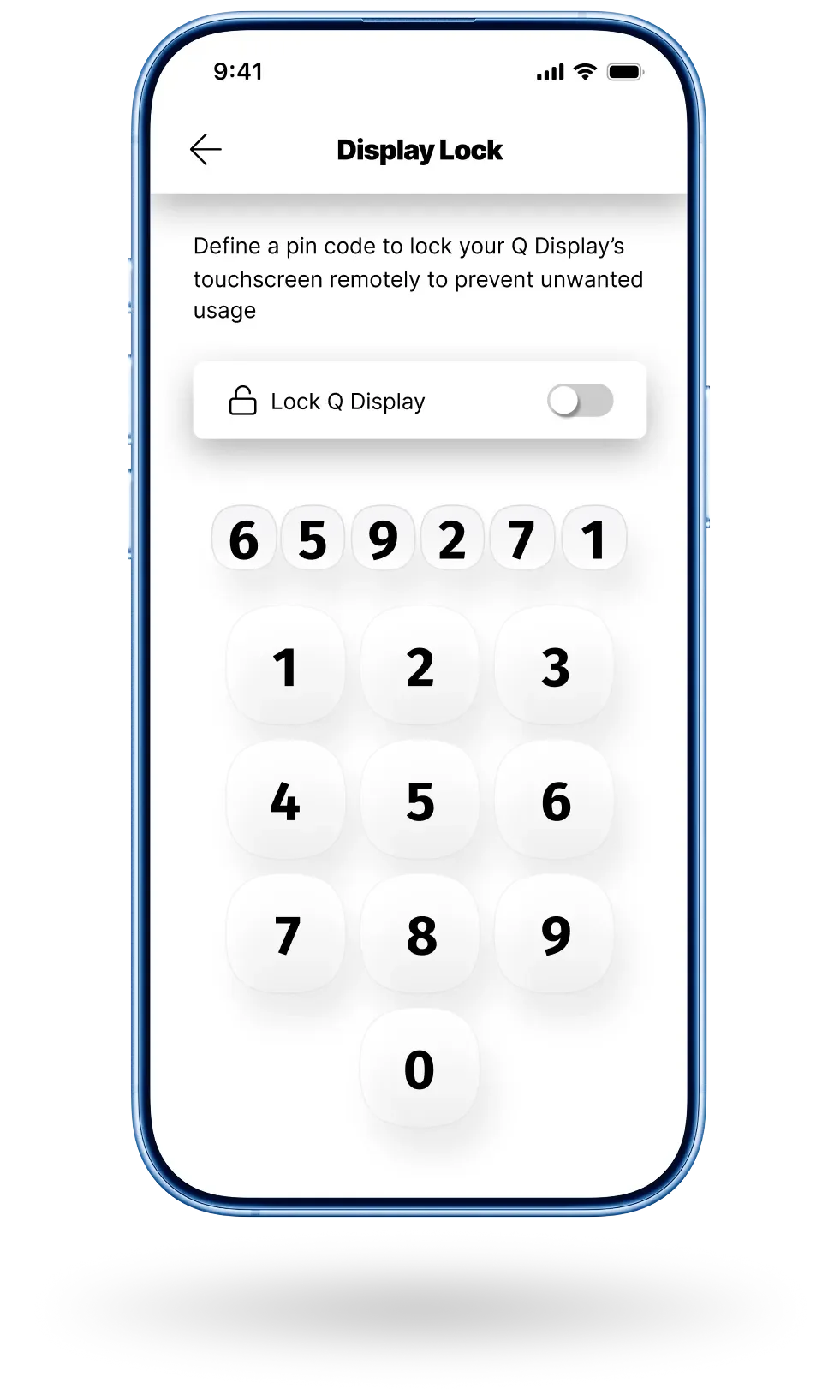
Lock when unattended
Lock the Q Display remotely through the Q App if the boat needs to be taken out of service or a rental ends unexpectedly. Prevent unauthorised use without having to be there in person.
-
Stay on top of maintenance
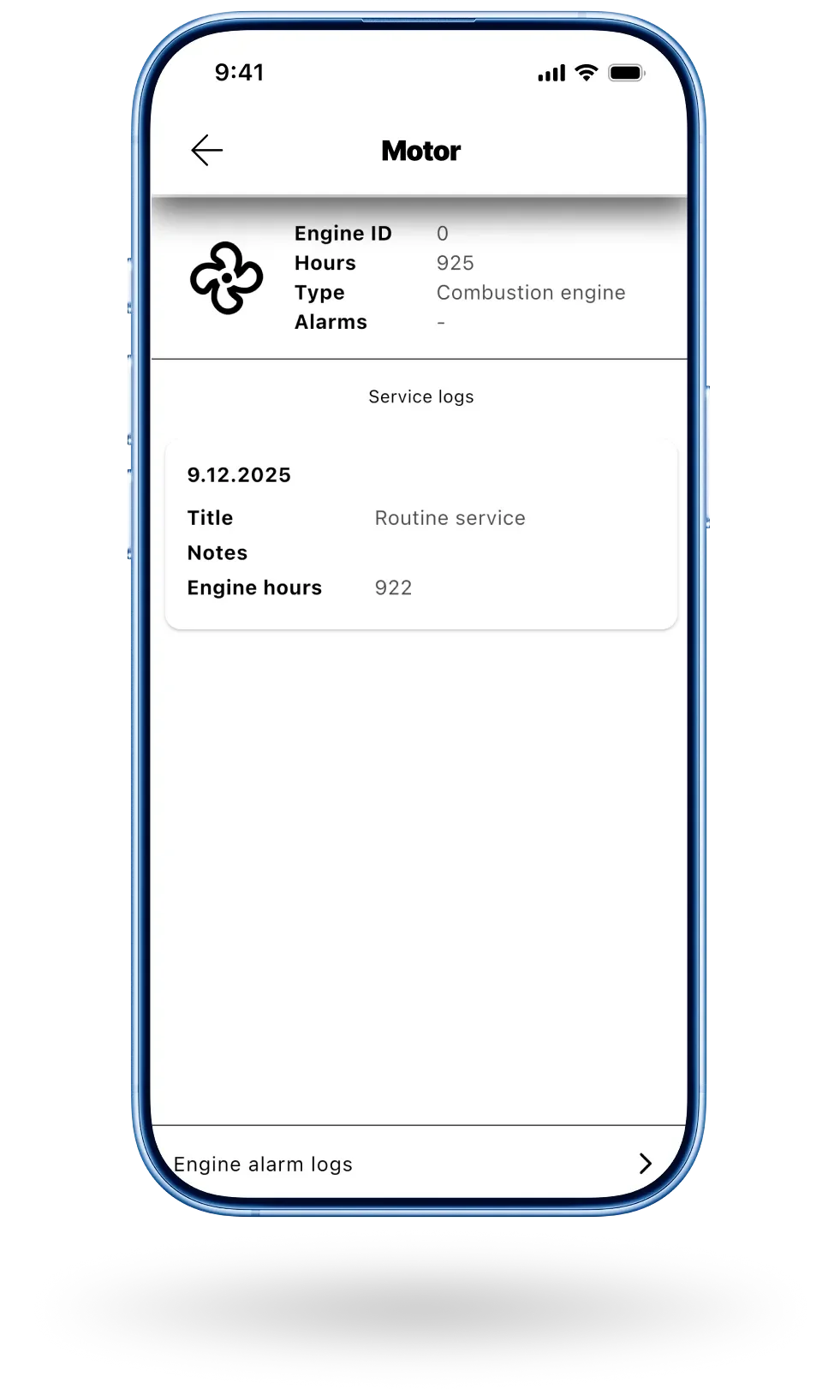
View engine hours, service logs, and engine alarms remotely. Know when a boat needs attention before it becomes a reason to pull it from the fleet.
Testimonials
"One of our boats was returned with a damaged propeller. The renter insisted they had nothing to do with it, as they had only used marked waterways. The Q logbook showed the route had passed directly over a submerged rock, outside a marked waterway, on shallow water, between two islands. The conversation was short, and the propeller got fixed."
"Q App notified about engine alarm. We knew immediately that the kill switch of the engine had been left off. 2 minutes later, the renter called worried that the engine was broken and was not starting. Thanks to the notification, we gave them the answer immediately, and they were back on their way within minutes."
Take your fleet further with Q
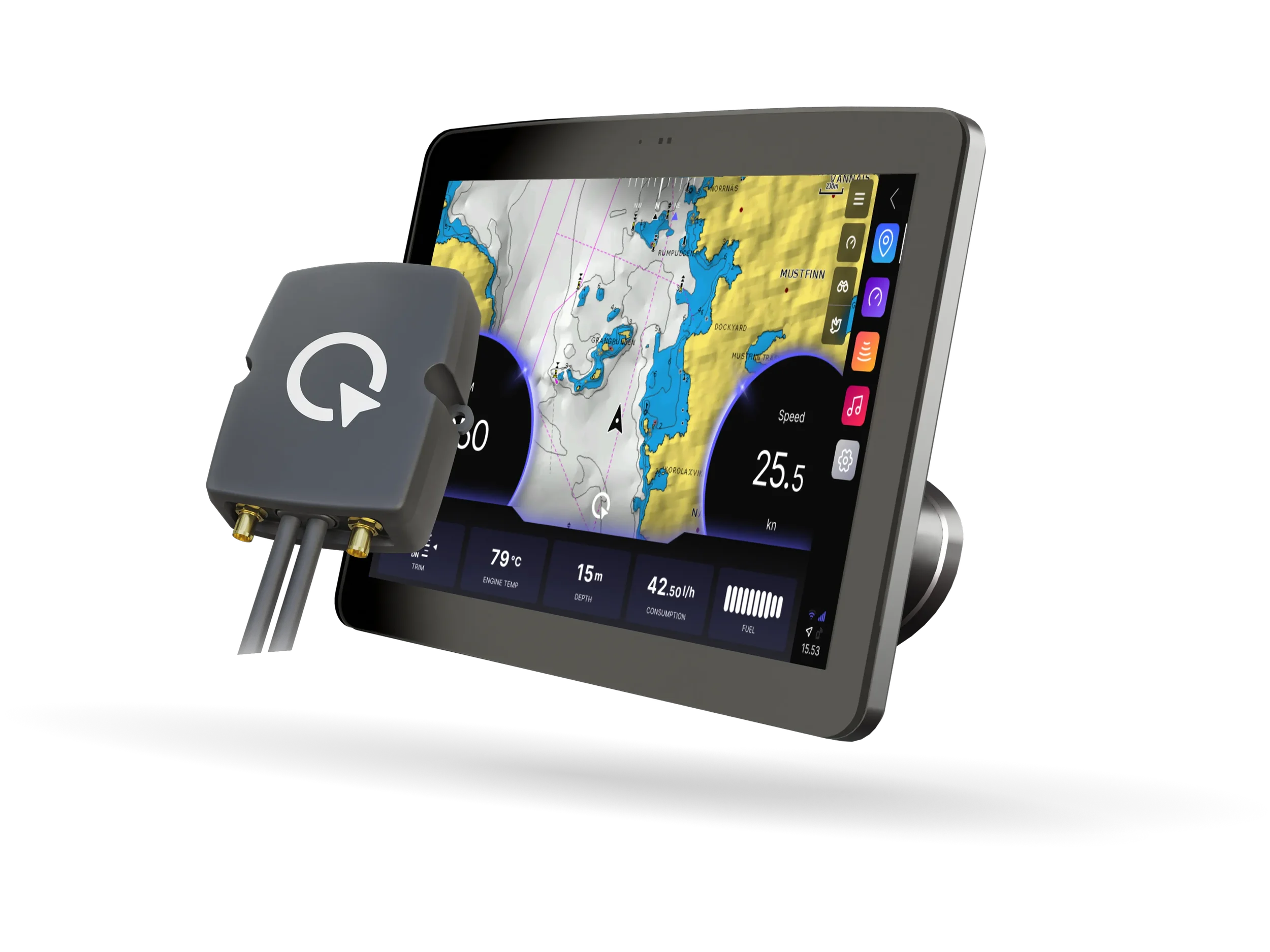
Q Display brings navigation, entertainment, and the complete Q experience to your fleet, alongside all the connected monitoring features that keep you in control from anywhere.
If your fleet does not need a full chartplotter, Q Boatlink is a cost-effective alternative that brings all the same Q Guard monitoring and connected features to any vessel, working seamlessly with the Q App.
Want to hear more?
Don’t hesitate to contact our sales team
Nordics
Niklas Öhman
CEO
EMEA
Rob van Tichelt
Sales Director EMEA
Americas
Otto Öhman
Manager of US Operations