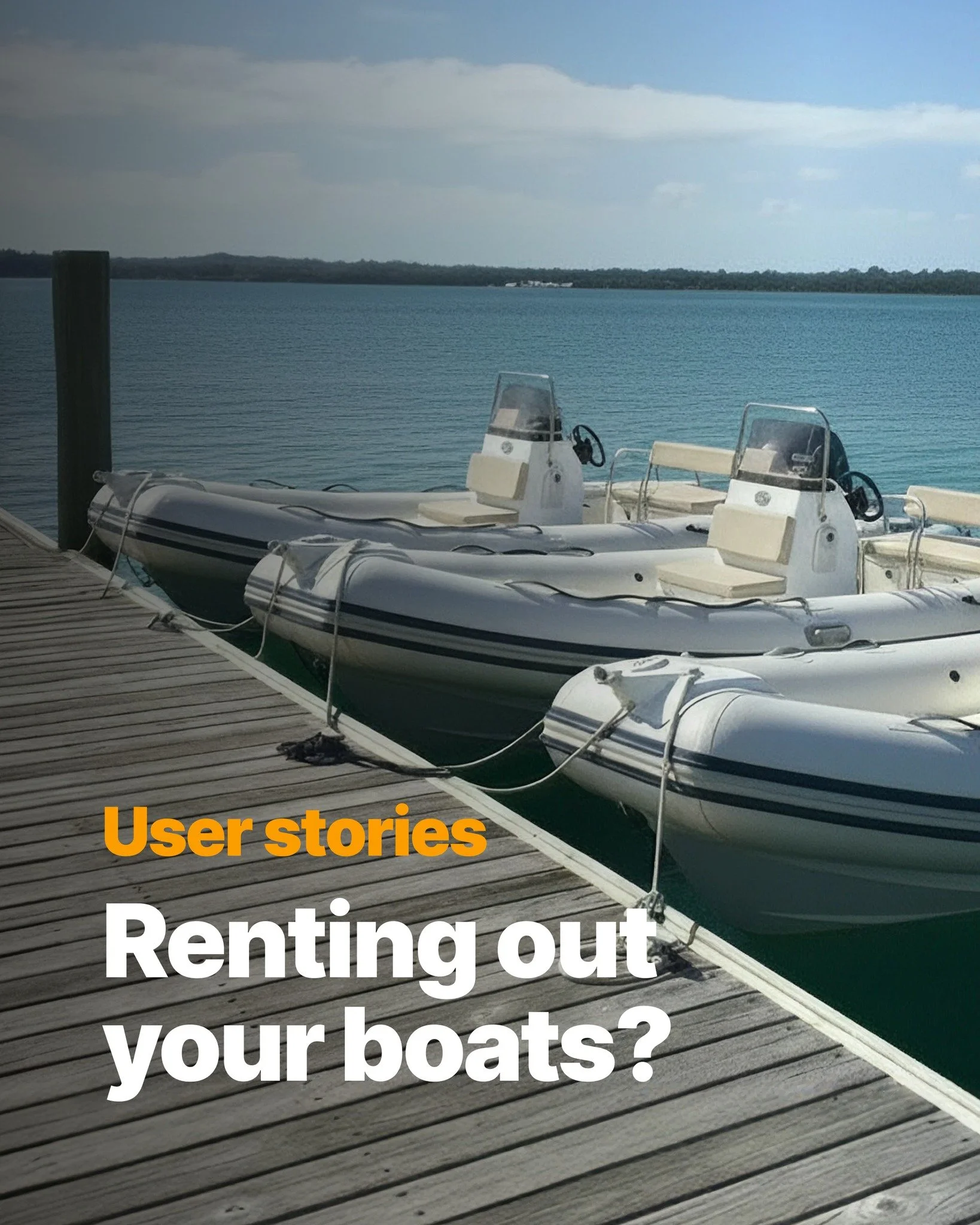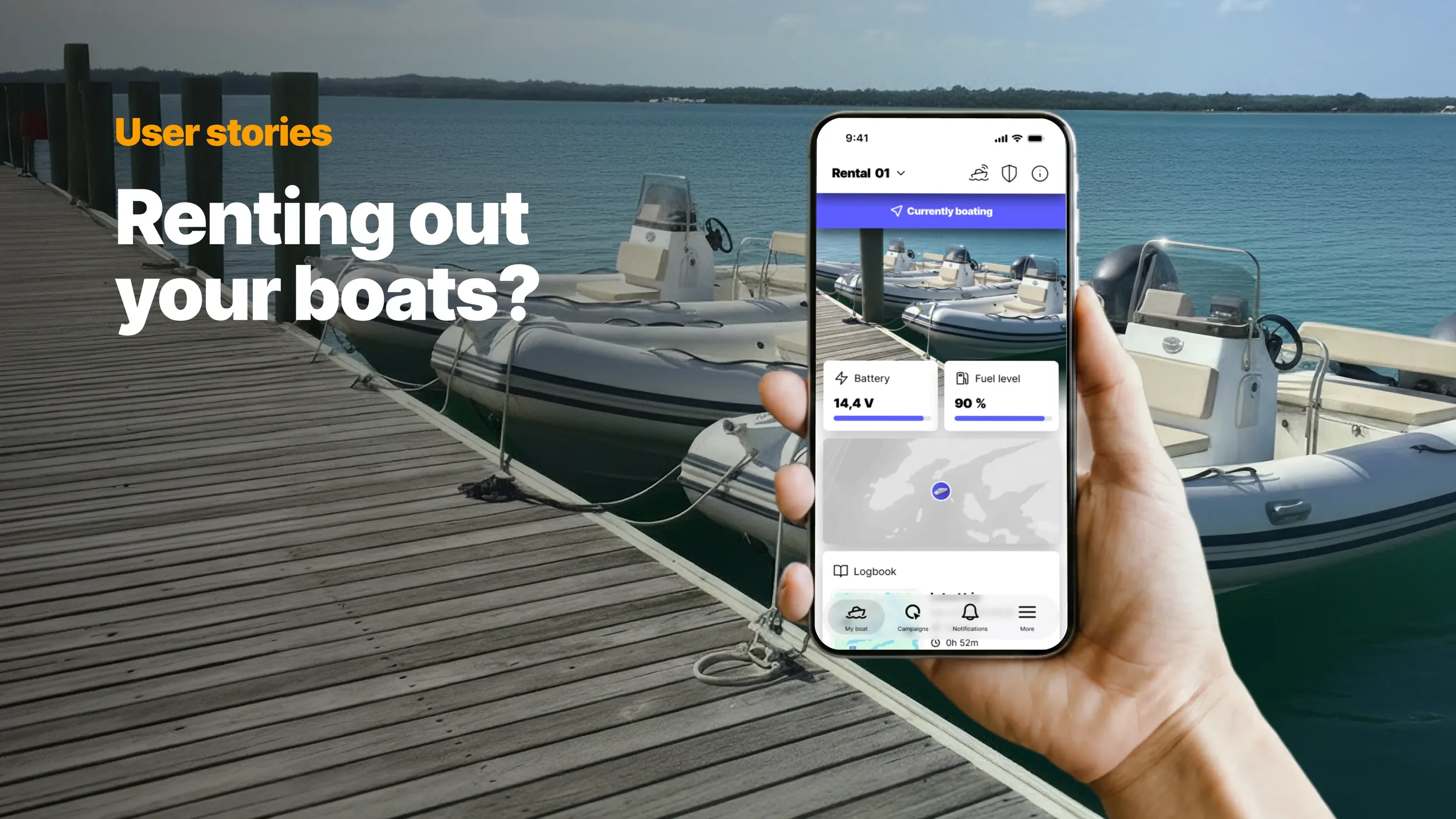
Demand for rental boats has grown considerably in recent years: tourists want to explore surroundings by boat, occasional boaters prefer renting over owning, boat sharing services have lowered the barrier to entry, and peer-to-peer platforms have made it easier than ever to put a private boat to use between trips. Whatever the model, keeping track of vessels out on the water, in the hands of people with varying levels of experience, is no small task.
Managing a rental boat fleet means keeping an eye on vessels that are out on the water, in the hands of people with different skill levels and boating backgrounds. A boat operates in an environment that is unforgiving of mistakes: shallow waters, submerged rocks, unpredictable weather, and machinery that requires at least some familiarity to operate safely. Handing the keys over and hoping for the best is not a comfortable feeling, especially when the fleet represents a significant investment.
Q Connected does not eliminate that anxiety entirely. But it gives you visibility where you previously had none.
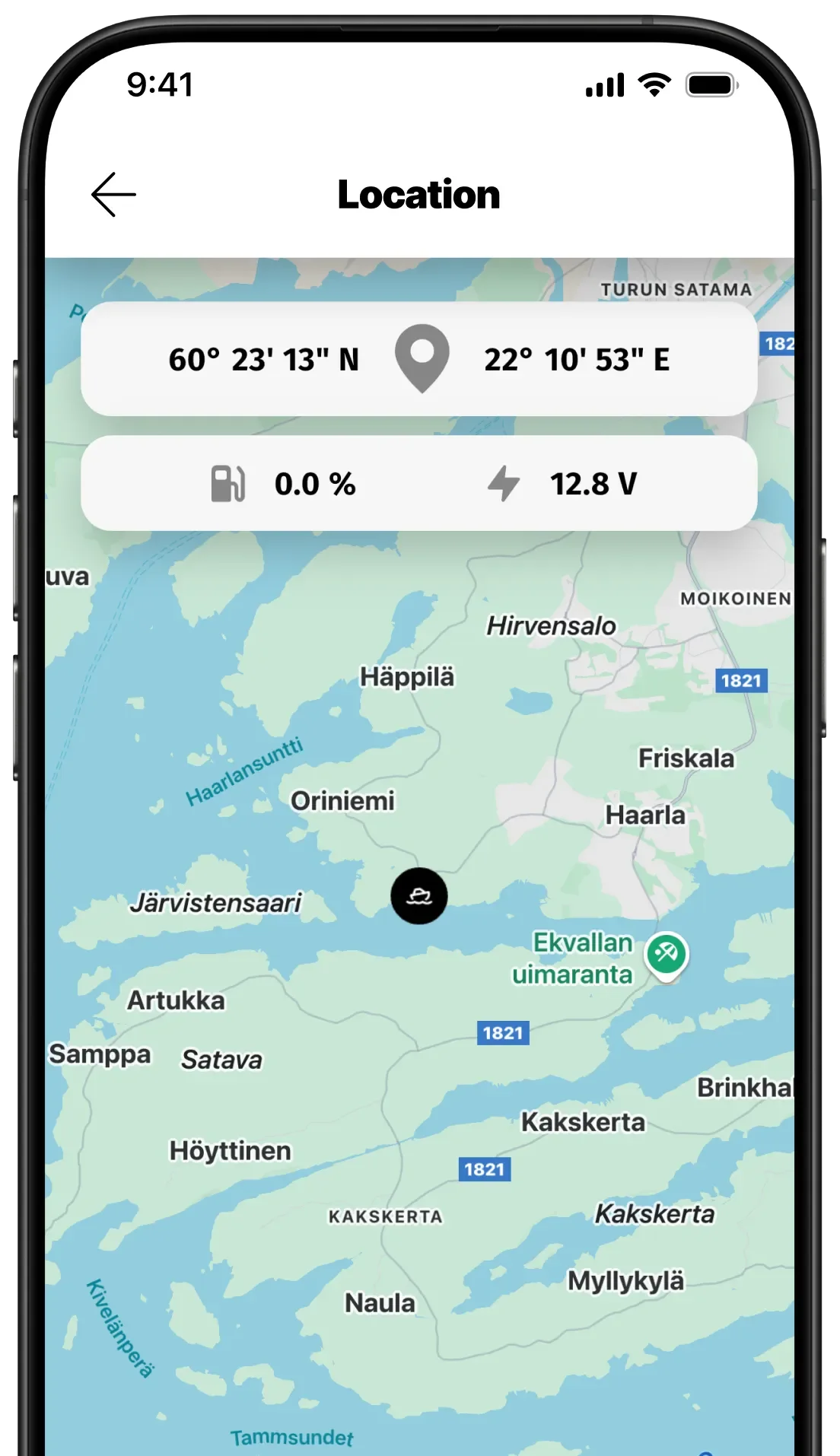
Always know where your boats are
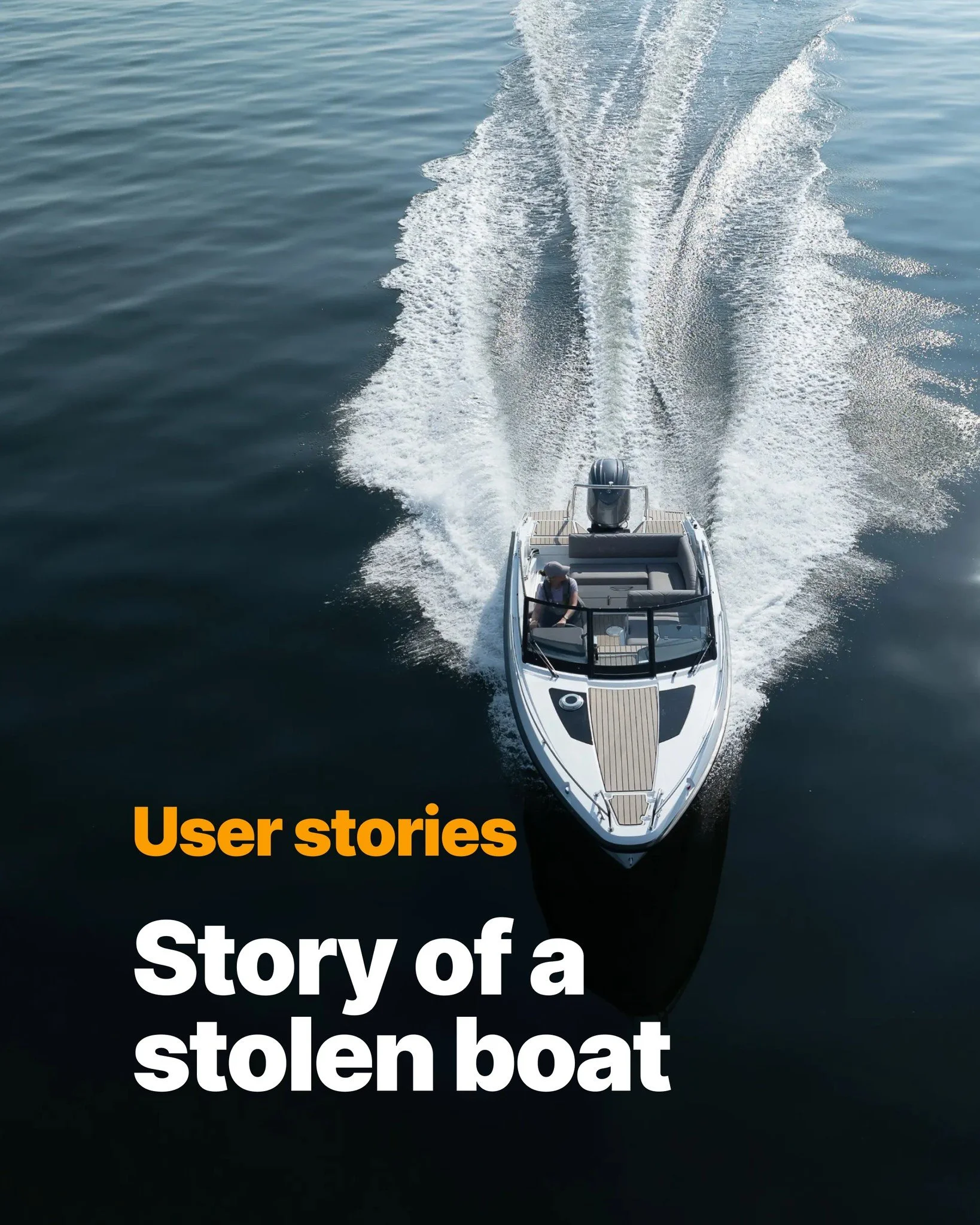
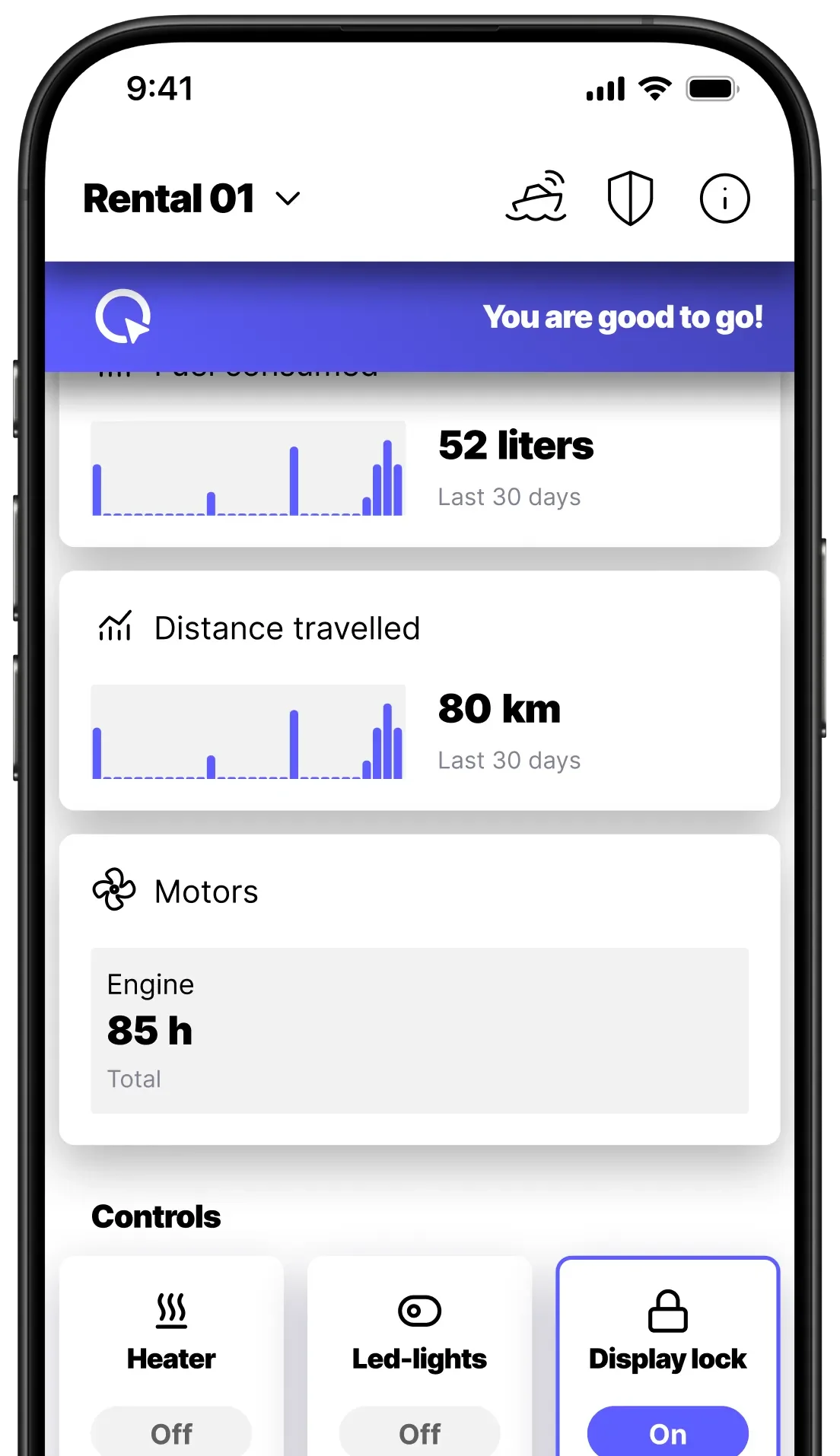
With Q Connected, every boat in your fleet is visible in the Q App. You can see where each vessel is at any given moment, whether it is still out on the water, heading back, or already in the home harbour. You can see when a boat starts moving and when it returns. If a boat leaves its designated area, a geofence alert lets you know immediately.
For a rental business managing multiple vessels across a season, that kind of overview changes how the whole operation runs.
Know what condition the boat comes back in
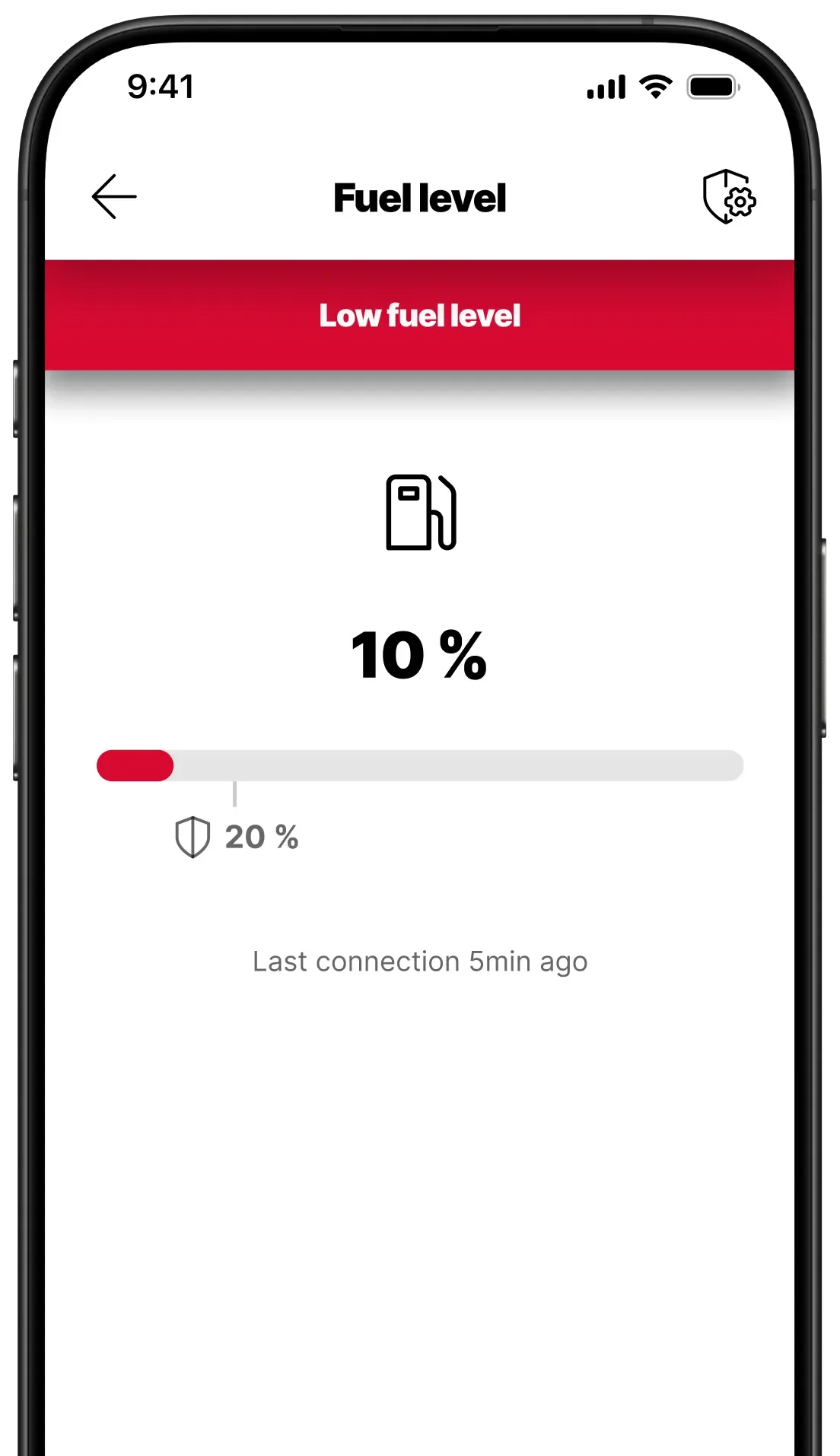
Fuel is one of the most common points of friction in any rental arrangement. With the Q App, you can see the fuel level remotely and know before the renter even gets back to the dock whether the tank has been filled as agreed.
But fuel is the easy part. Q's logbook records every trip automatically: the route taken, the speed, and where the boat has been. If there is ever a dispute about how a boat was used, the logbook tells the real story.
One rental owner discovered this the hard way, or rather, their renter did. After returning a boat with a damaged propeller, the renter insisted they had only used marked waterways. The Q logbook showed clearly that the route had passed directly over a submerged rock. The conversation was short.
Alerts that help you help your renters
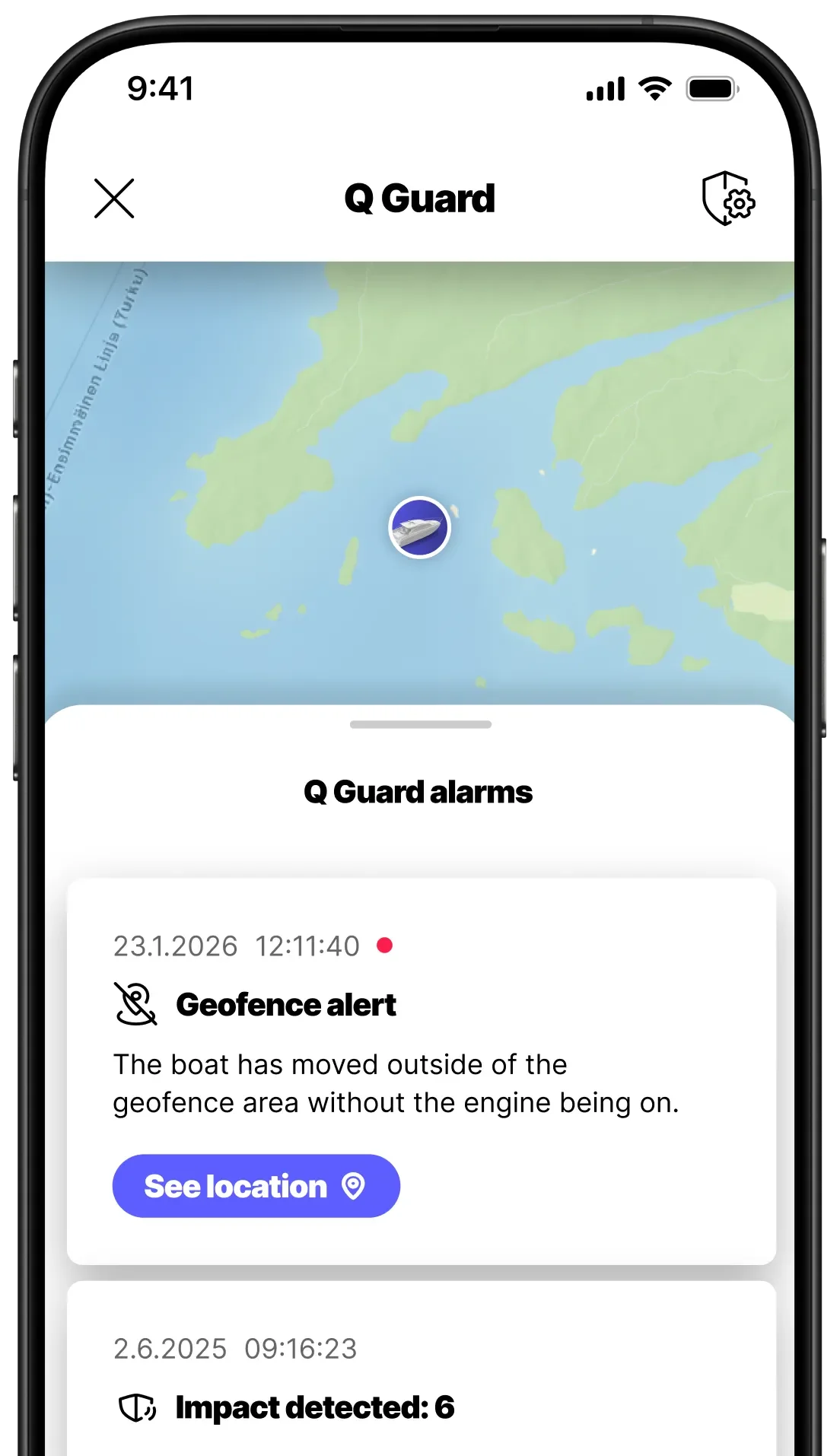
Q Guard sends alerts when something is not right on board: engine warnings, bilge alarms, impact notifications. For a rental business, these are not just safety features; they are diagnostic tools.
Engine alarms
One rental owner received an engine alarm while a renter was out on the water. Before the phone even rang, they already knew what had likely happened: the kill switch had been left off. When the renter called a minute later, worried the engine was broken, the owner could give the correct answer immediately. The renter connected the kill switch, the engine started, and they were back on their way. Without the alert, diagnosing the problem remotely would have been a guessing game, and the renter's day on the water would have looked very different.
Battery alerts
Rental boats, particularly smaller ones, often run on a single battery. A low battery alert gives the rental owner a chance to reach out before the renter finds themselves unable to start the engine in a remote location. A quick call at the right moment can save both parties a difficult afternoon on the water.
Bilge water warning
Beyond the operational benefits, alerts can matter in more serious ways too. A bilge alarm going off while a renter is on board is not just an inconvenience; it is a potential safety situation. Being able to reach the renter immediately, with the right information, can make a real difference.
A fleet that runs is a fleet that earns
Every day a boat is out of service is a day of lost revenue. Unexpected breakdowns, delayed maintenance, and minor issues that go unnoticed until they become major ones all eat into a fleet's availability.
Q Guard helps keep your fleet where it belongs: on the water. Engine alerts flag problems early, before a minor issue becomes a reason to pull a boat from service. Battery monitoring lets you spot a drop in capacity before the renter notices anything is wrong, giving you time to act before it becomes a problem. The logbook gives you a clear picture of how each vessel is being used across the season, making it easier to spot patterns and plan maintenance before problems arise.
On top of that, Q Connected lets you monitor engine hours remotely across the whole fleet. You know when a service is due without having to check each boat in person at the end of every week. A boat that is well maintained and always connected is a boat that is ready to go out again tomorrow.
A smart boating experience for your renters
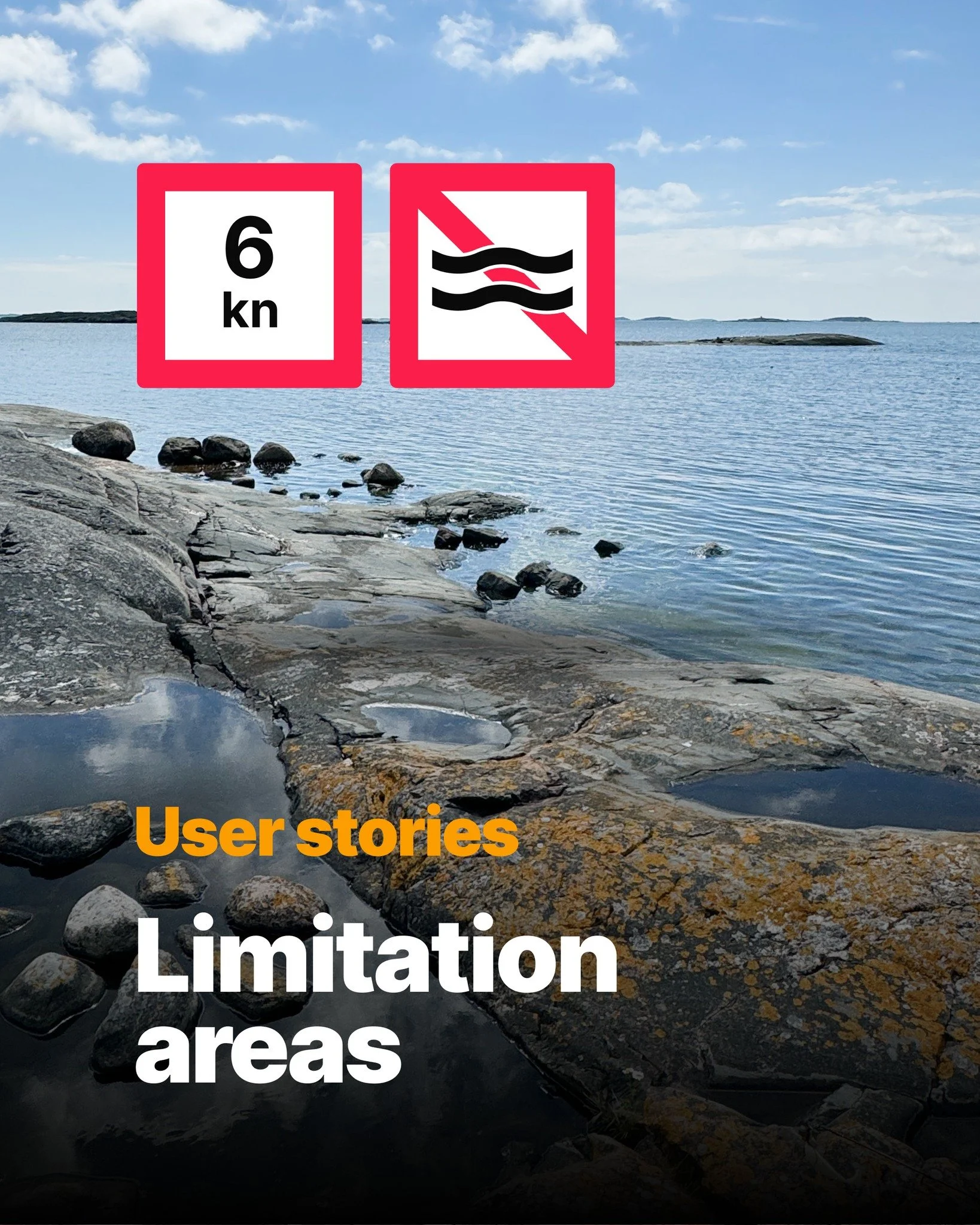
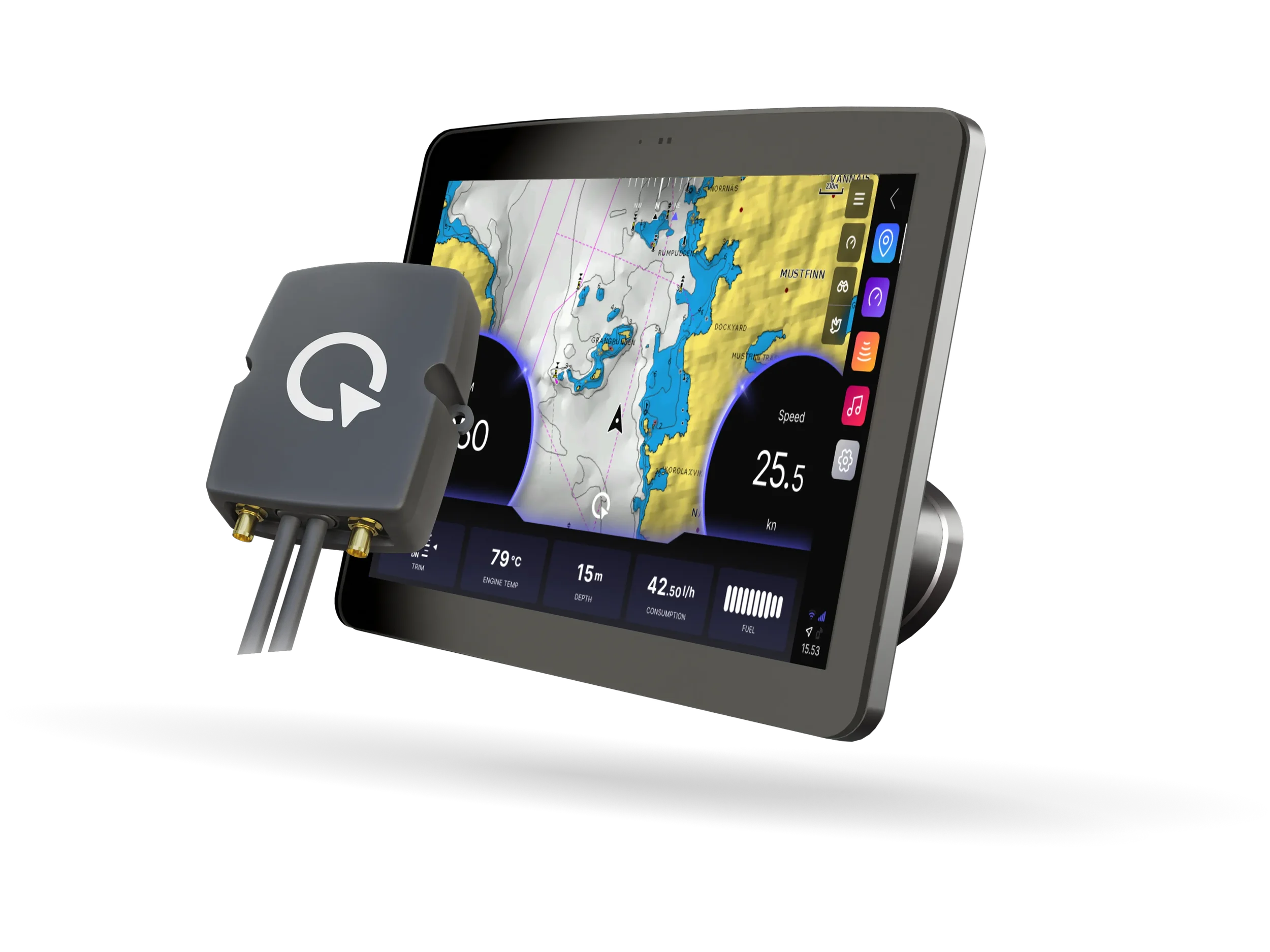
Q is not just useful for the fleet owner. Renters benefit too. The Q Display provides weather forecasts, Windy integration, Google Maps and online chart search, and limitation areas showing local speed limits and restricted zones directly on the chart. For a renter who may not be familiar with the local waters, that kind of guidance makes a real difference.
And unlike many marine electronics systems, Q is genuinely intuitive. Renters with no previous experience of chartplotters can pick it up without instruction. That is not a marketing claim. It is the reason Q was built the way it was, from the very beginning.
Q Connected for rental fleets
Q Guard and the full suite of connected features are available as part of Q Connected. If your rental boats already have Q Display on board, you already have the foundation in place. Activating Q Connected is all it takes to get started.
For fleets without Q Display, Boatlink brings the same Q Guard monitoring and connected features to any vessel, working seamlessly with the Q App. Everything described in this guide, with the exception of the onboard chart and navigation features, is available with Boatlink.
If you are considering Q for your fleet, contact us, and we will walk you through what it looks like in practice.
Follow us