 Image 1 of 15
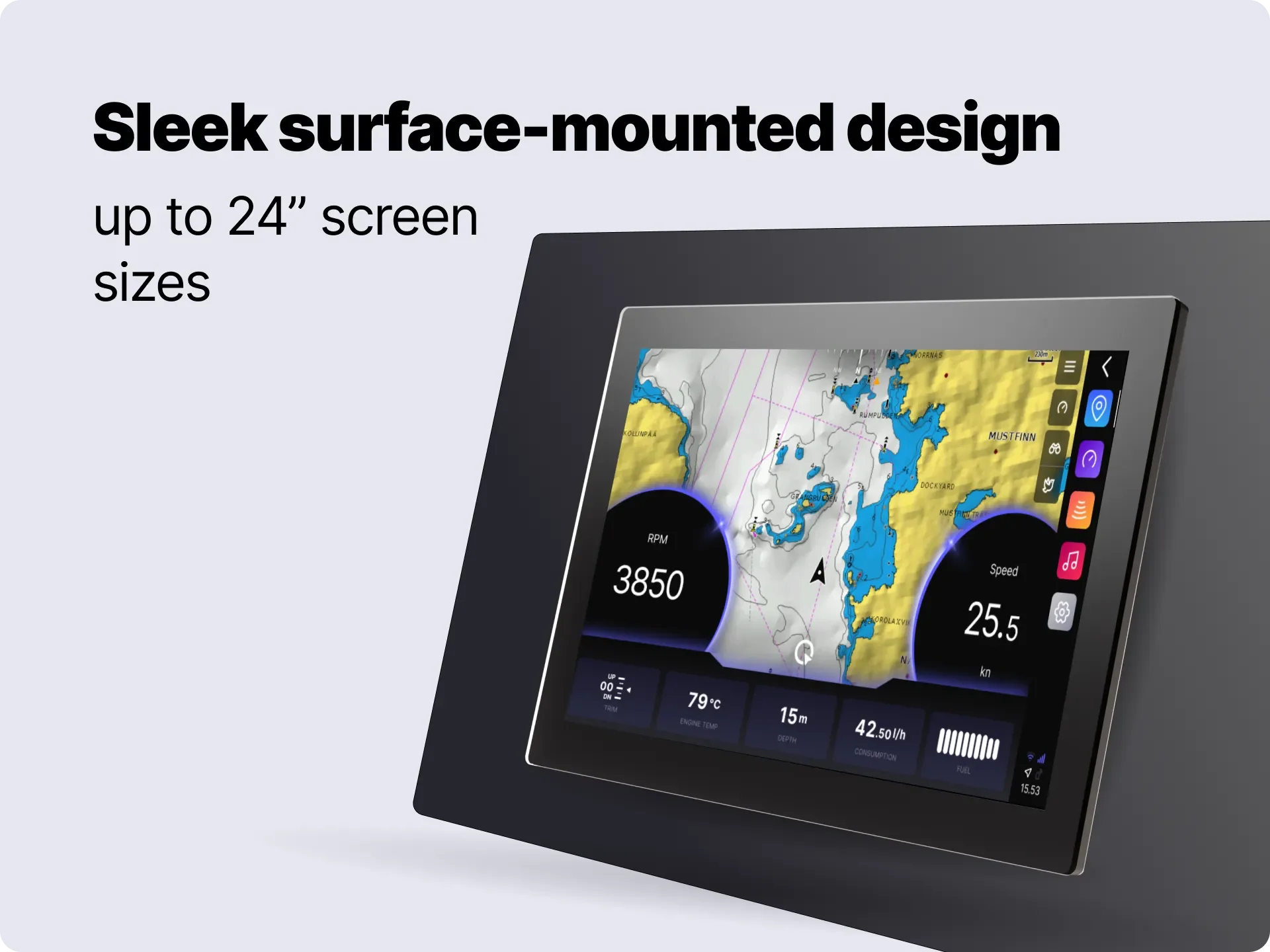 Image 2 of 15
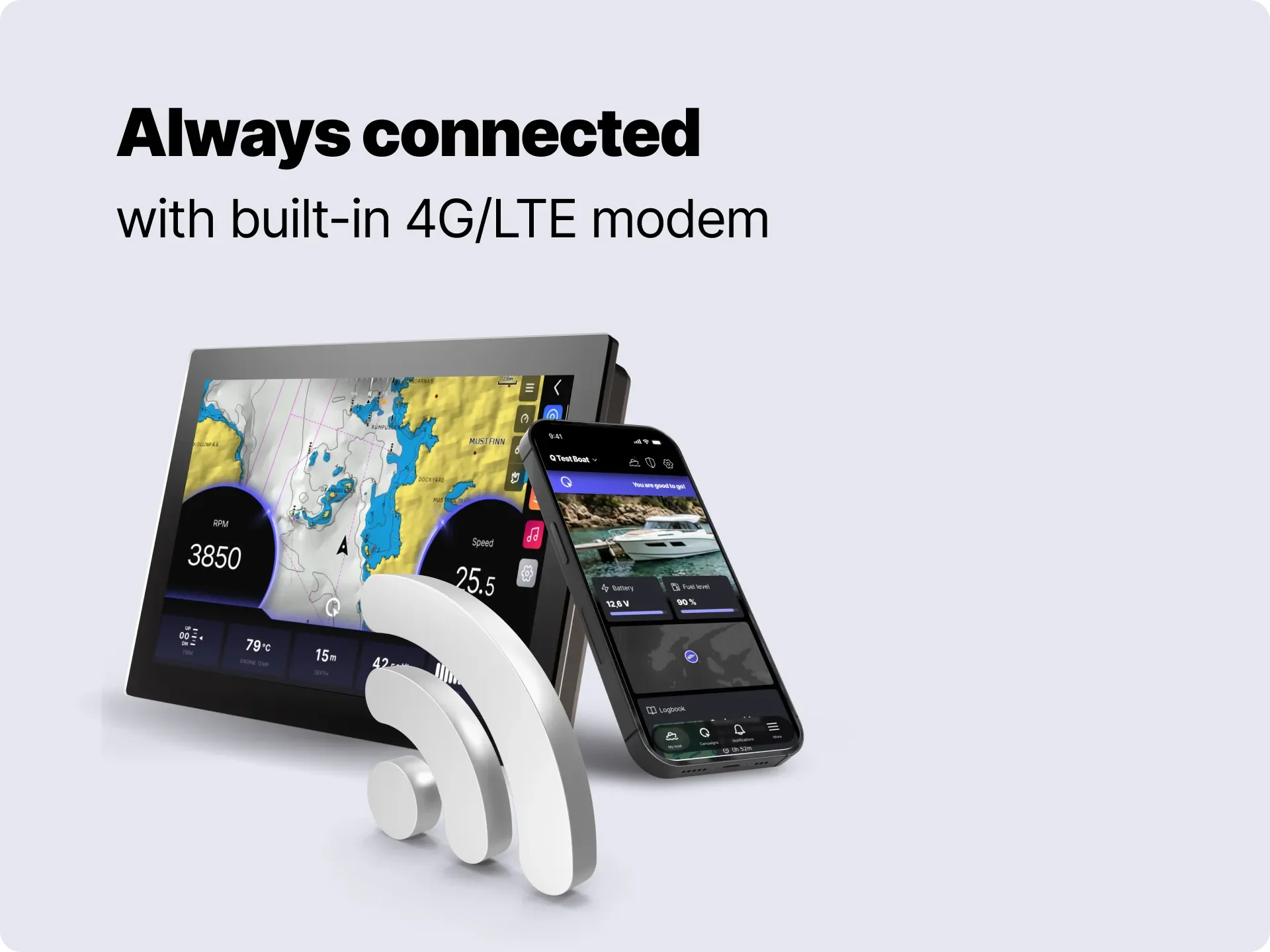 Image 3 of 15
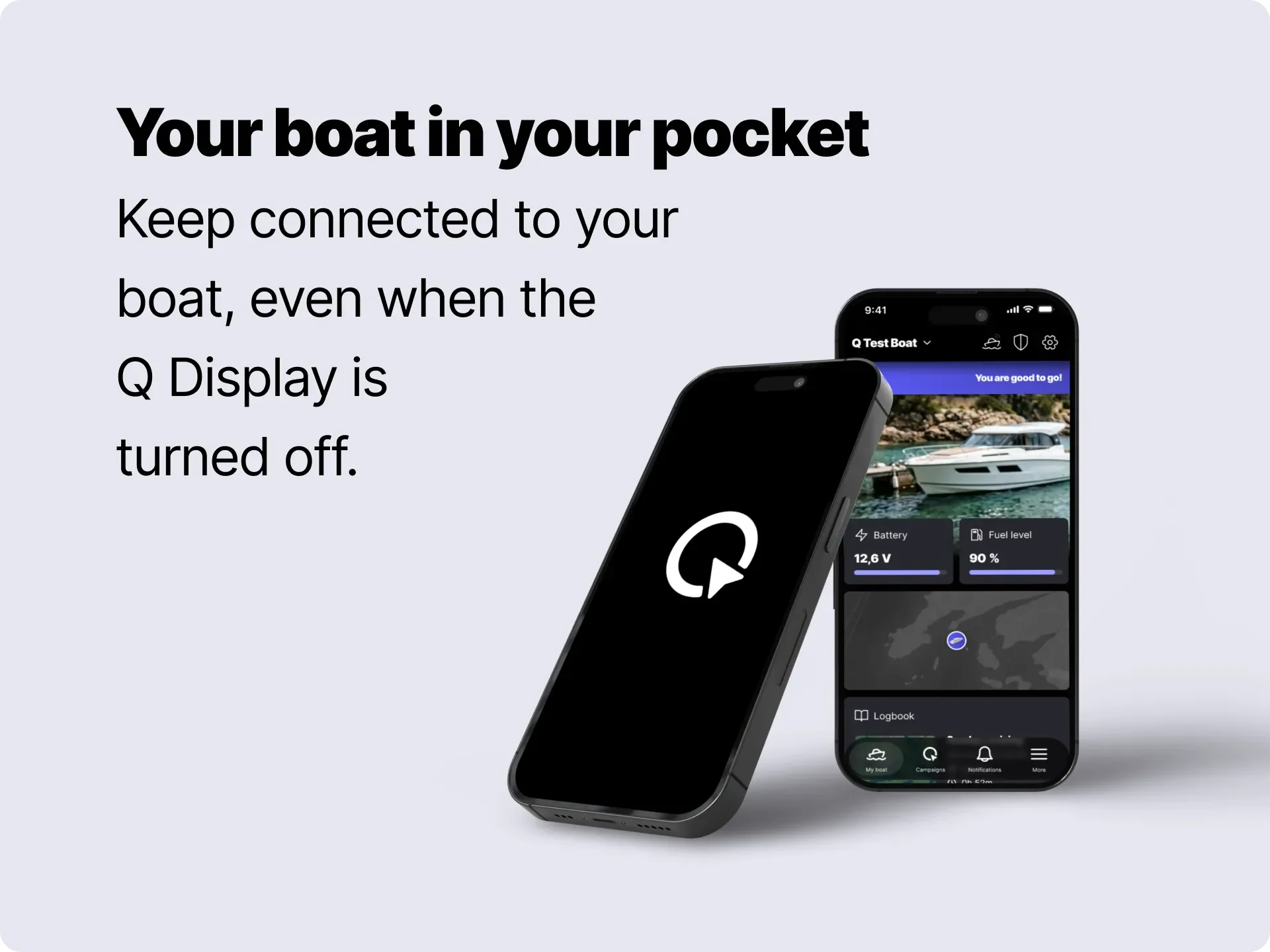 Image 4 of 15
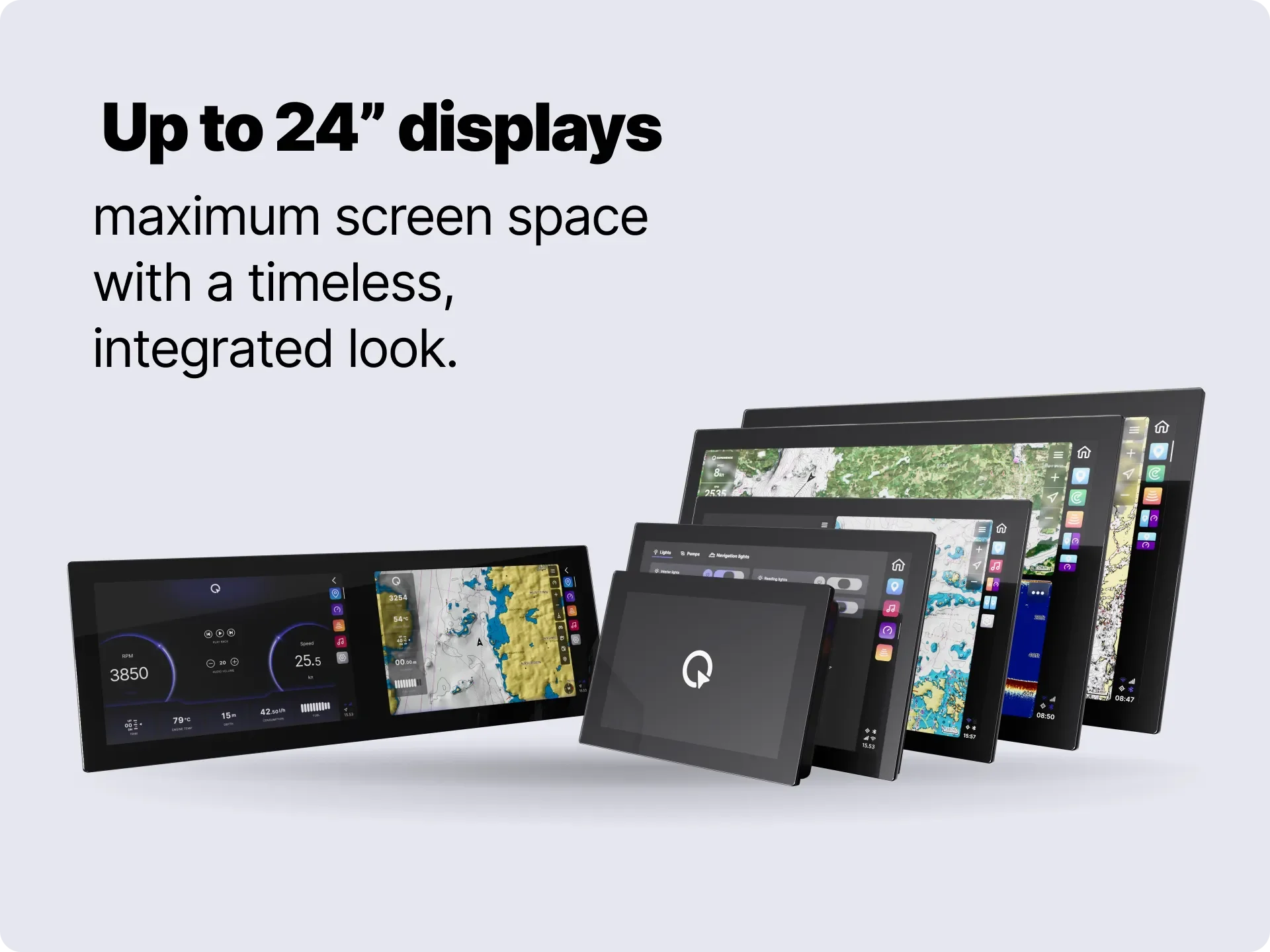 Image 5 of 15
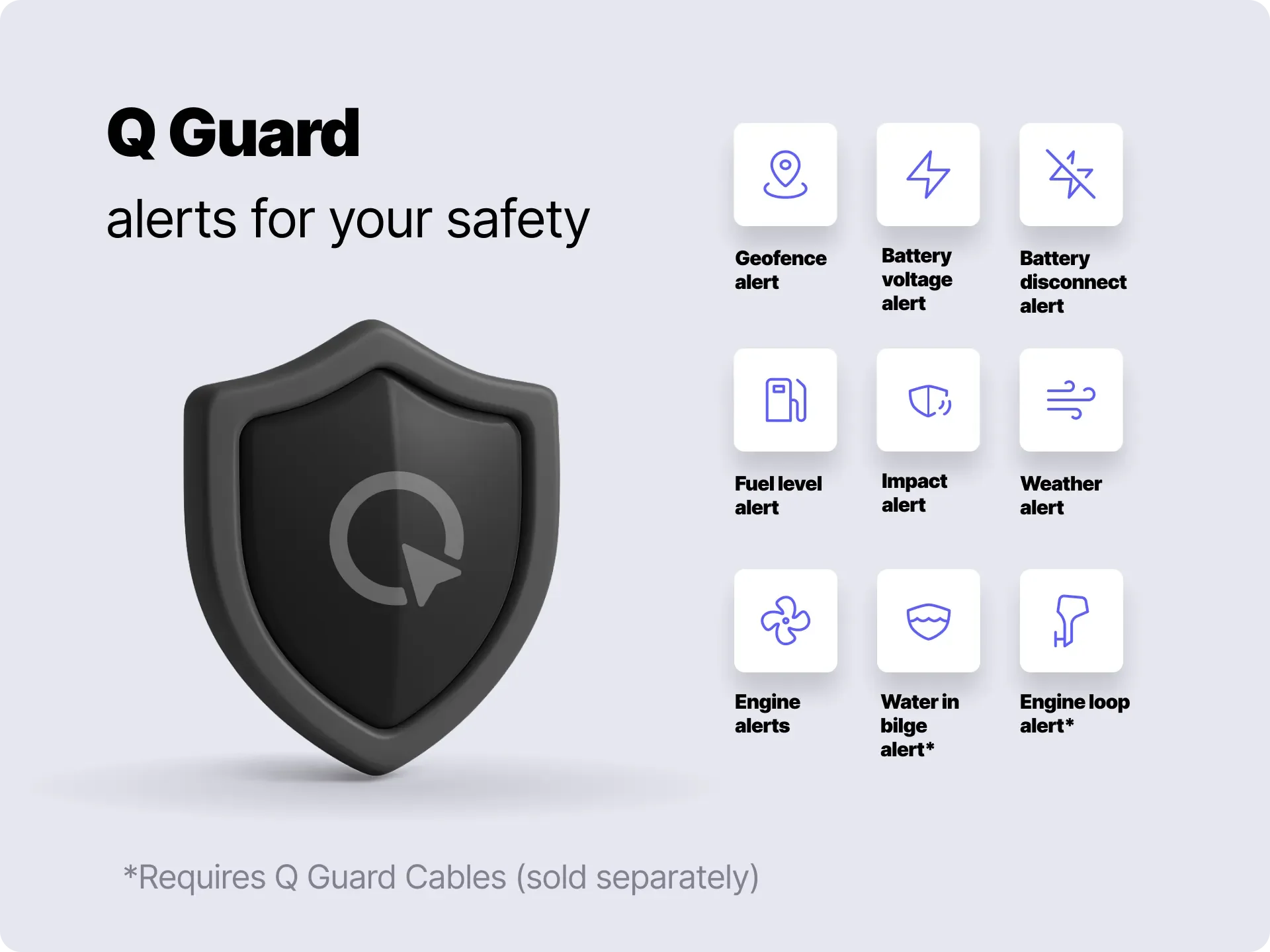 Image 6 of 15
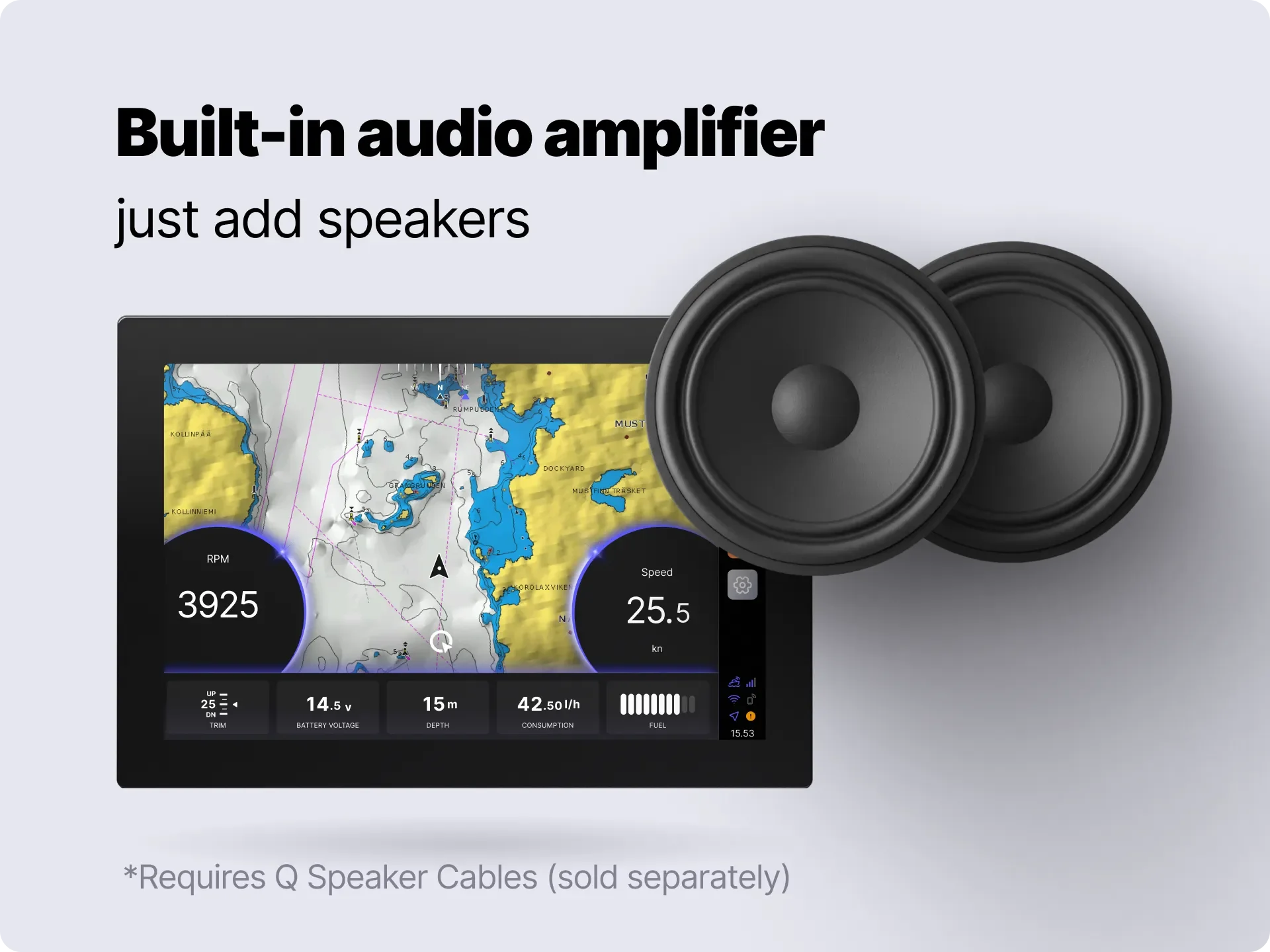 Image 7 of 15
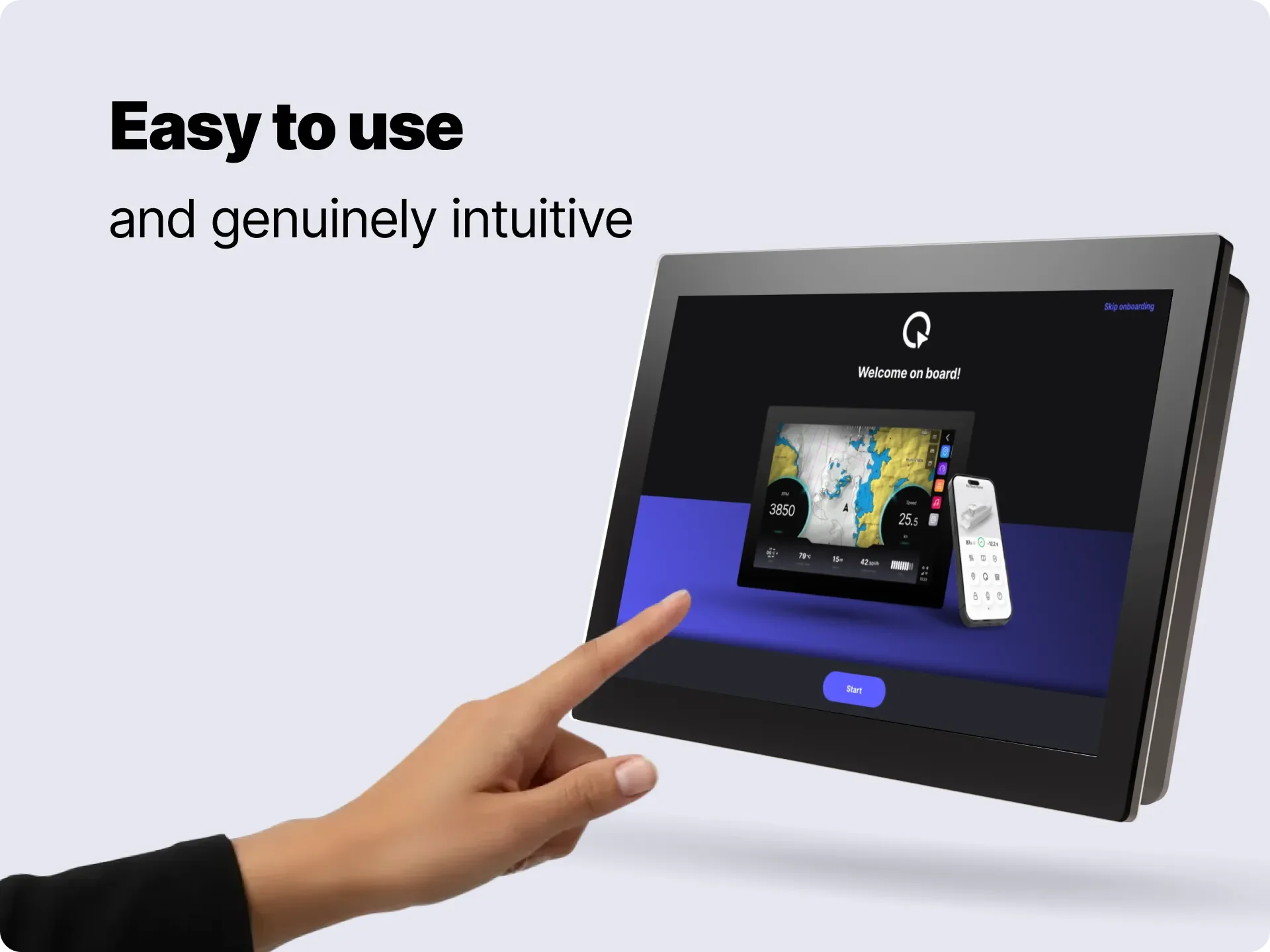 Image 8 of 15
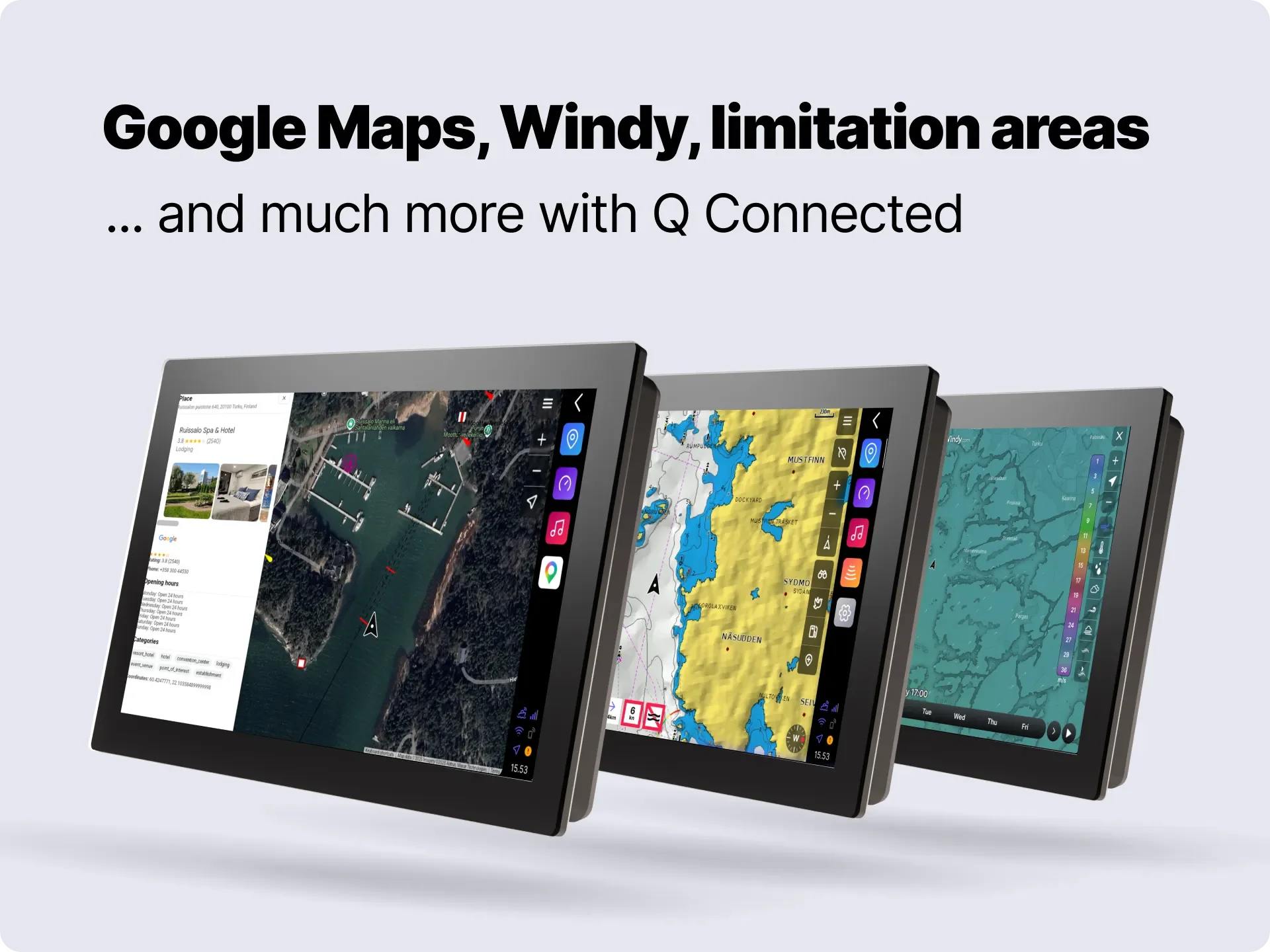 Image 9 of 15
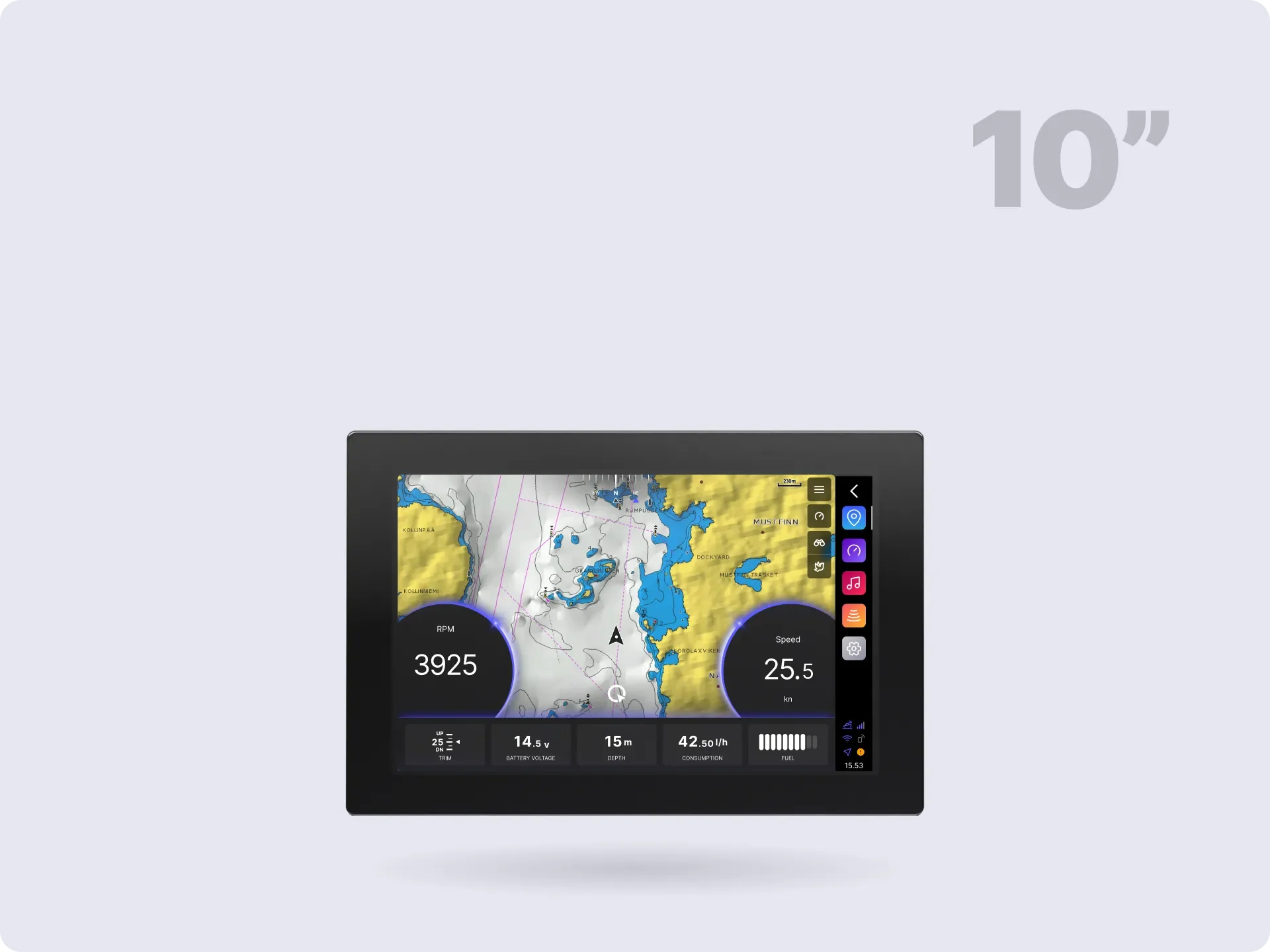 Image 10 of 15
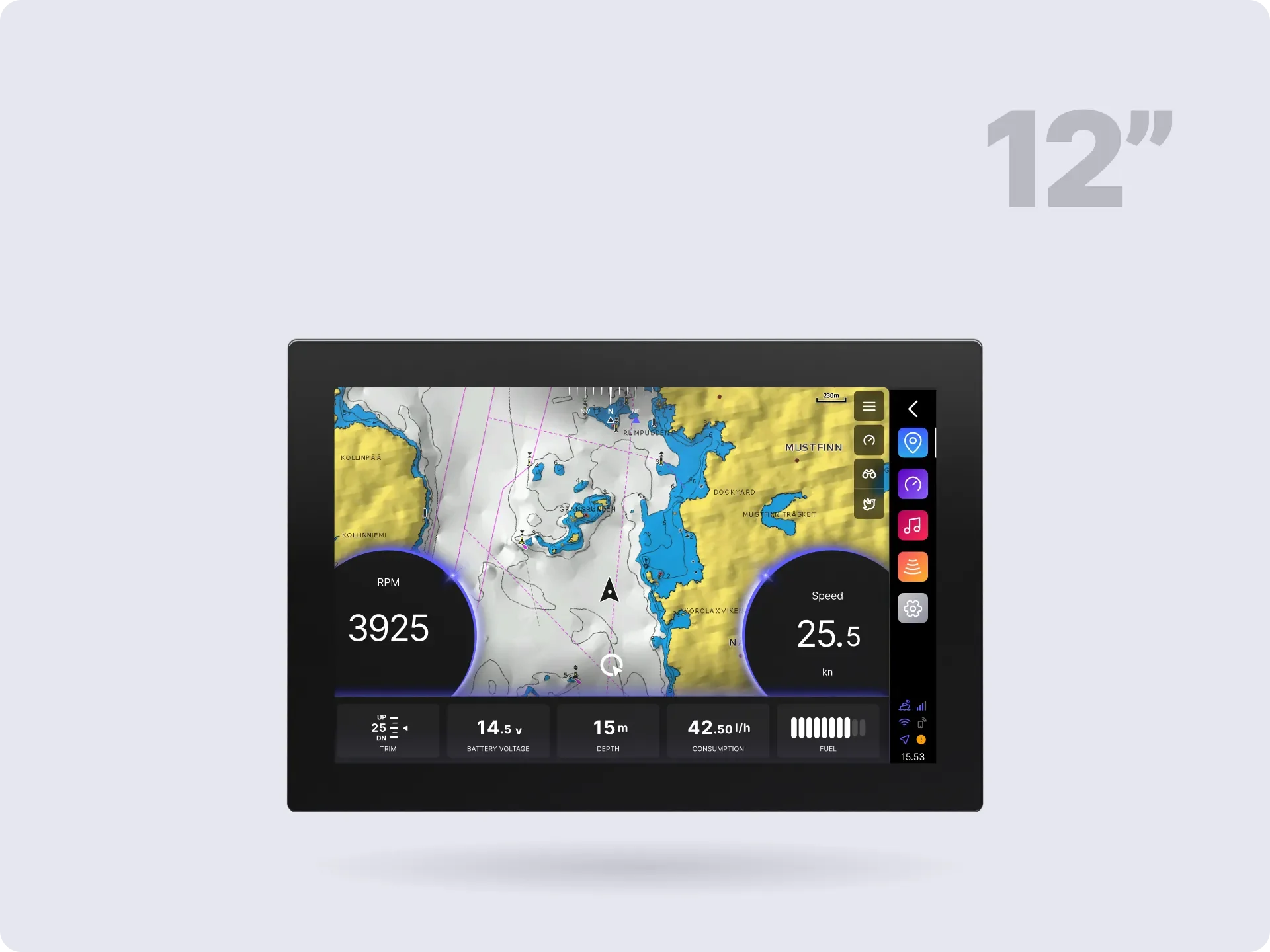 Image 11 of 15
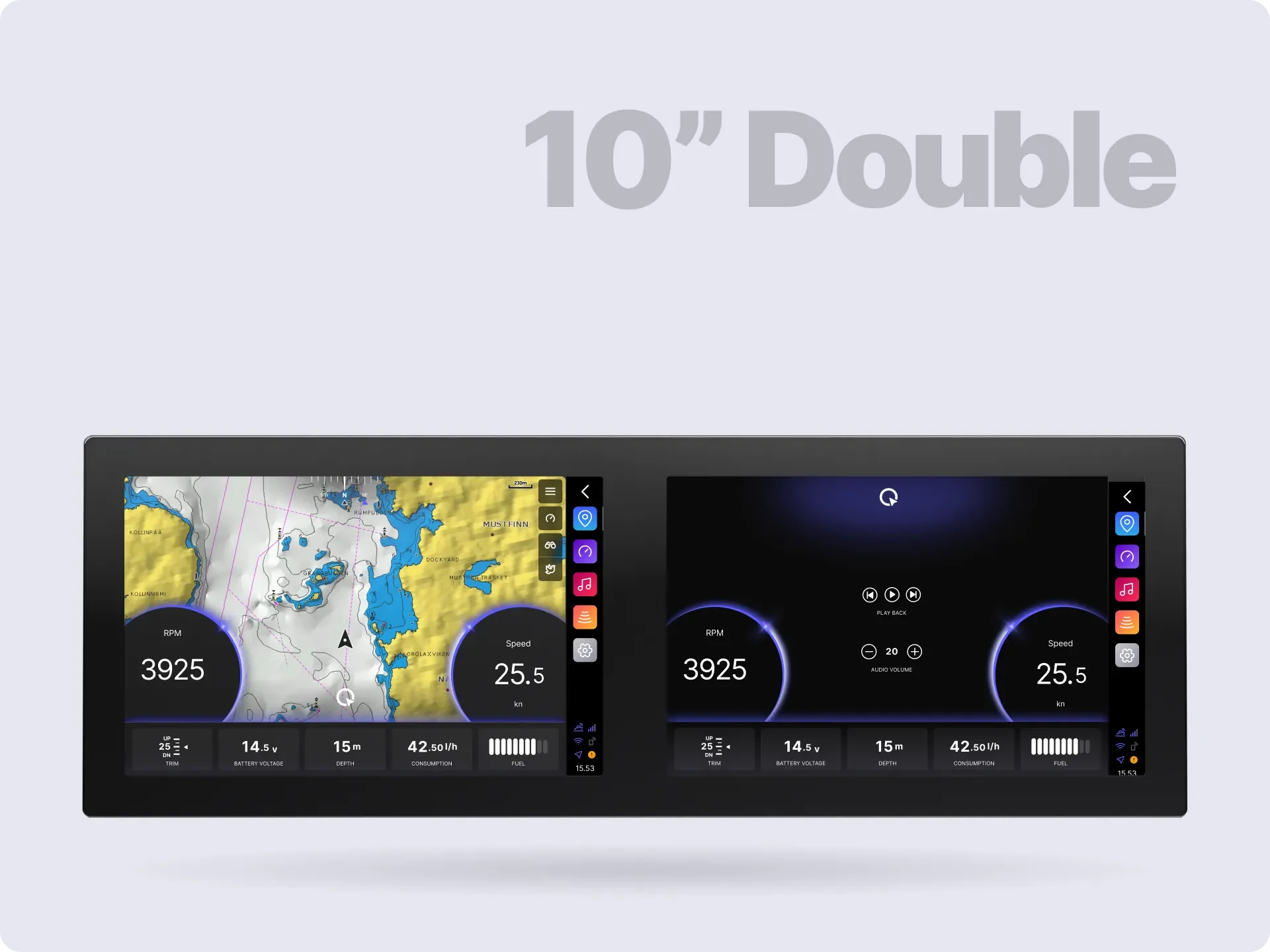 Image 12 of 15
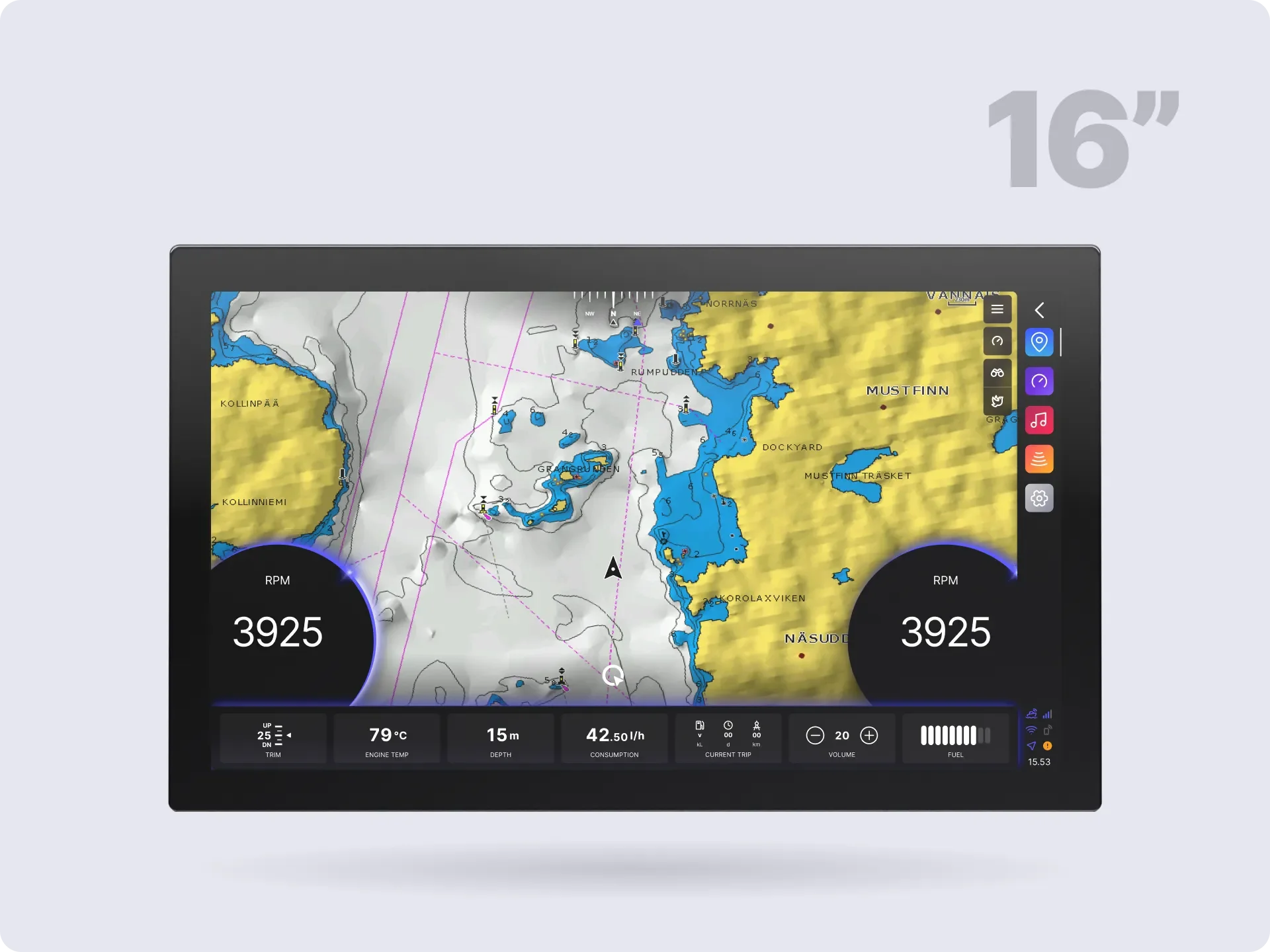 Image 13 of 15
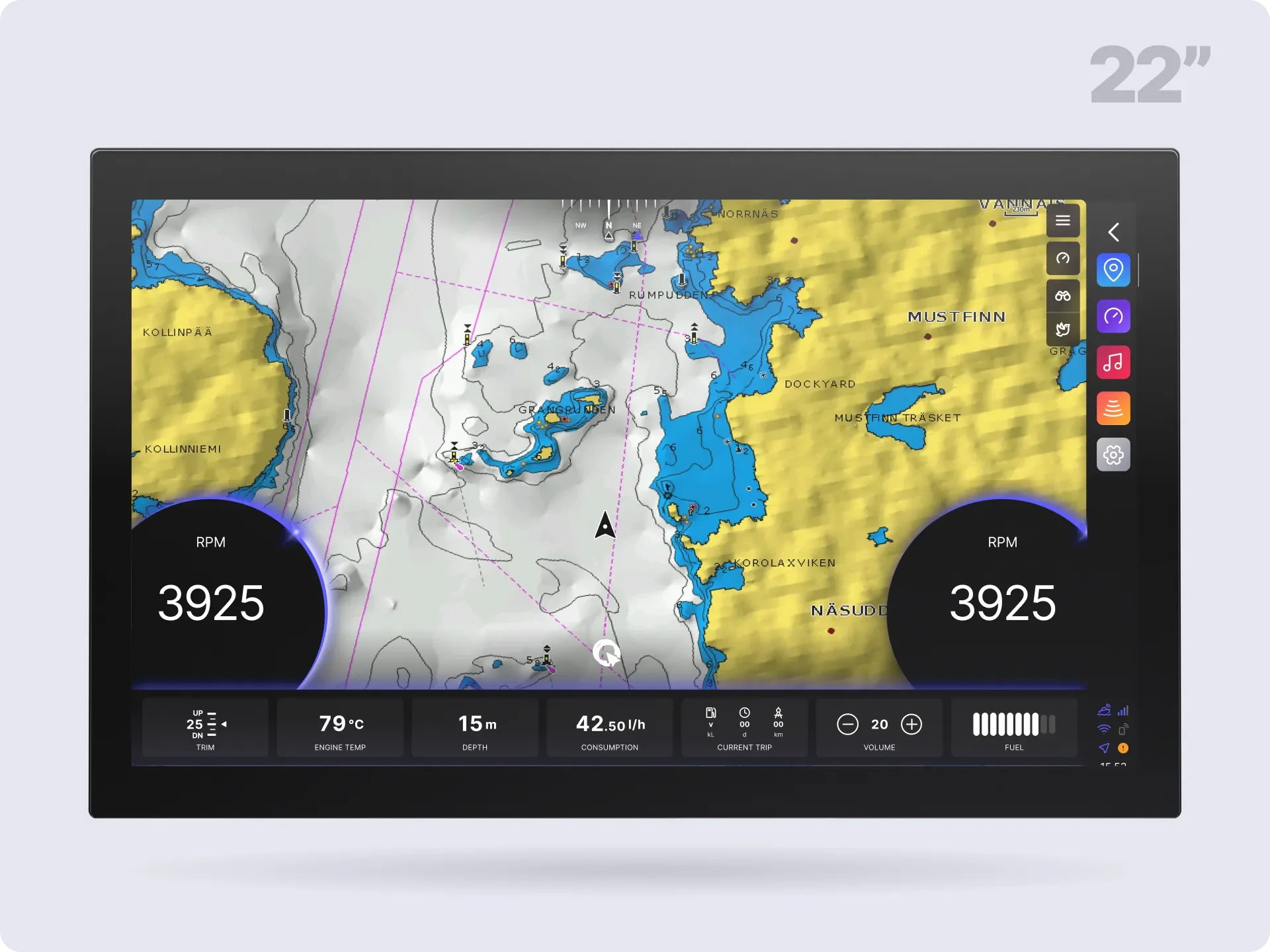 Image 14 of 15
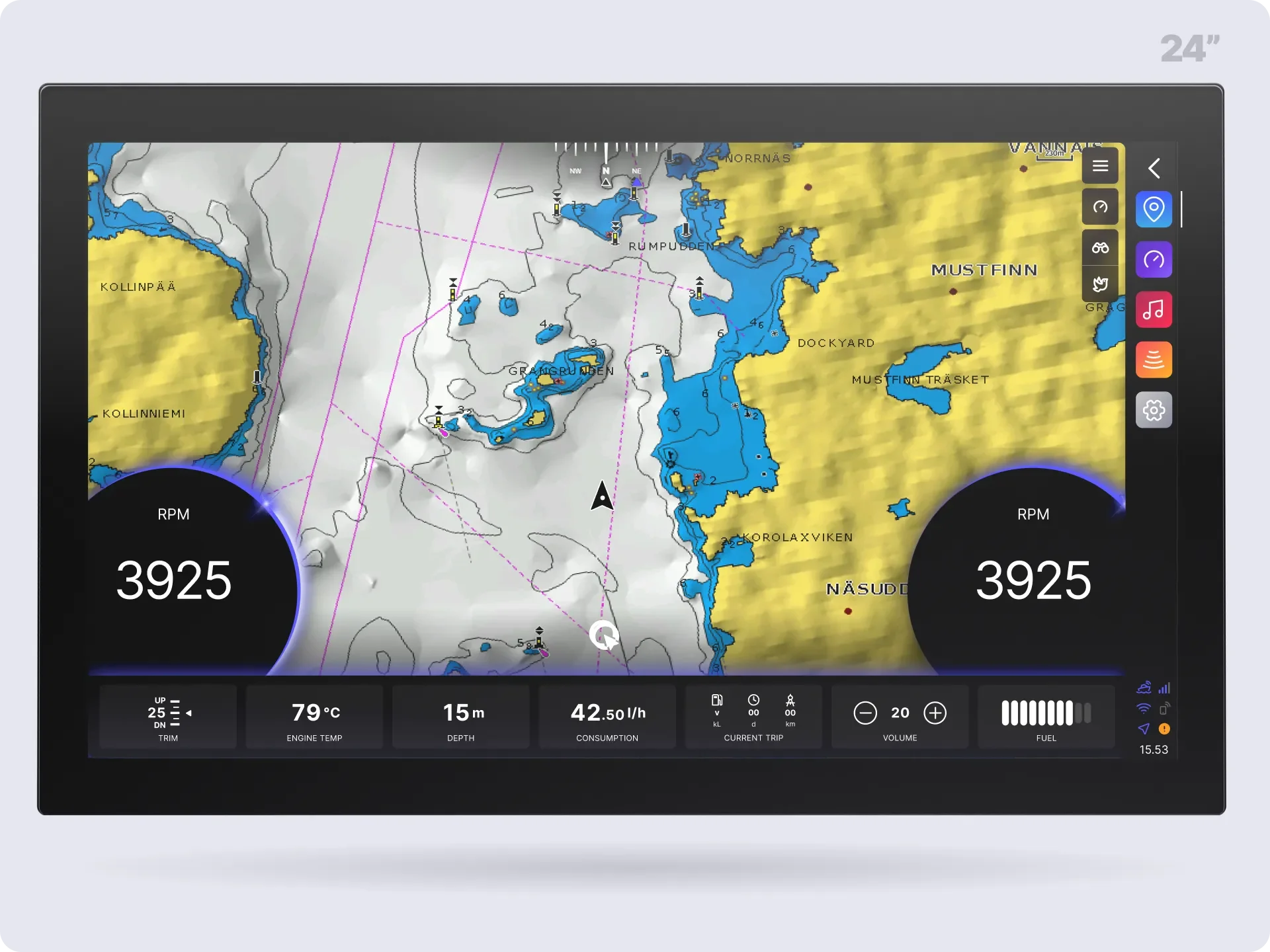 Image 15 of 15
Powerful features. Beautifully simple.
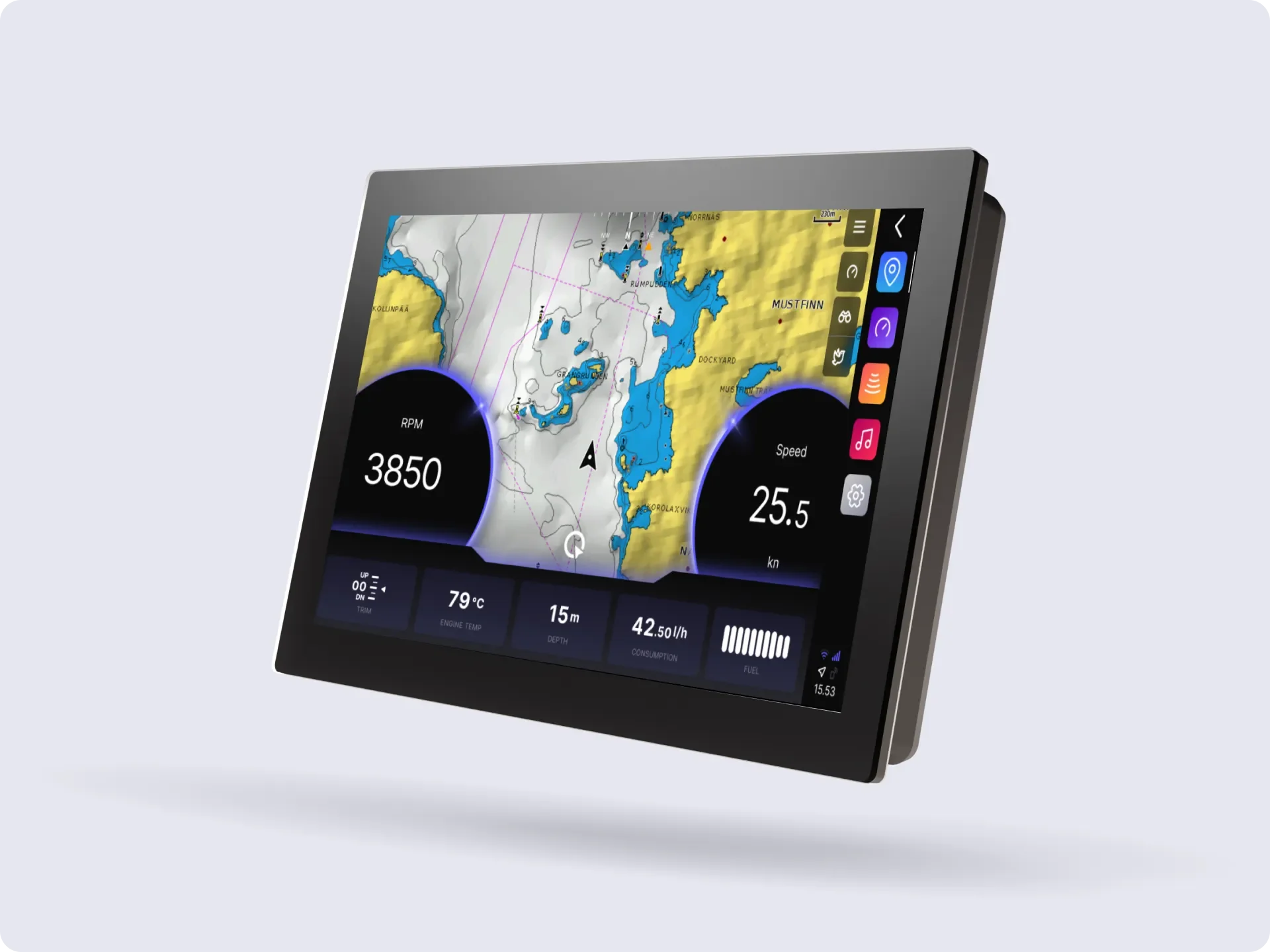
Q Display is the centerpiece of your connected boating experience. It combines connectivity, navigation, entertainment, engine data, control, and safety features into one elegant and intuitive touchscreen. Whether you’re planning routes, cruising, or just enjoying your day at the water, Q Display makes your time on the water smoother, safer, and more enjoyable.
Q Display Classic
Truly easy-to-use and intuitive UI
Modern dashboards
Enhanced navigation
Split views
Automatic logbook
Advanced statistics and settings
Entertainment with built-in audio amplifier - just add speakers
Q Connected
Q Connected is a subscription service that takes your Q Display online 24/7, giving you access to many smart features on your boat and offshore through the Q App. Q Connected improves your boating experience by letting you easily monitor and control various functions even when away from the boat.
Built-in 4G/LTE modem for always-on internet connection
Q Guard alarms and notifications to the Q App if something is off
Over-the-air software updates
Weather forecasts in Q Display
Limitation areas (for Norway and Finland)
AIS objects on Q Display
Q App
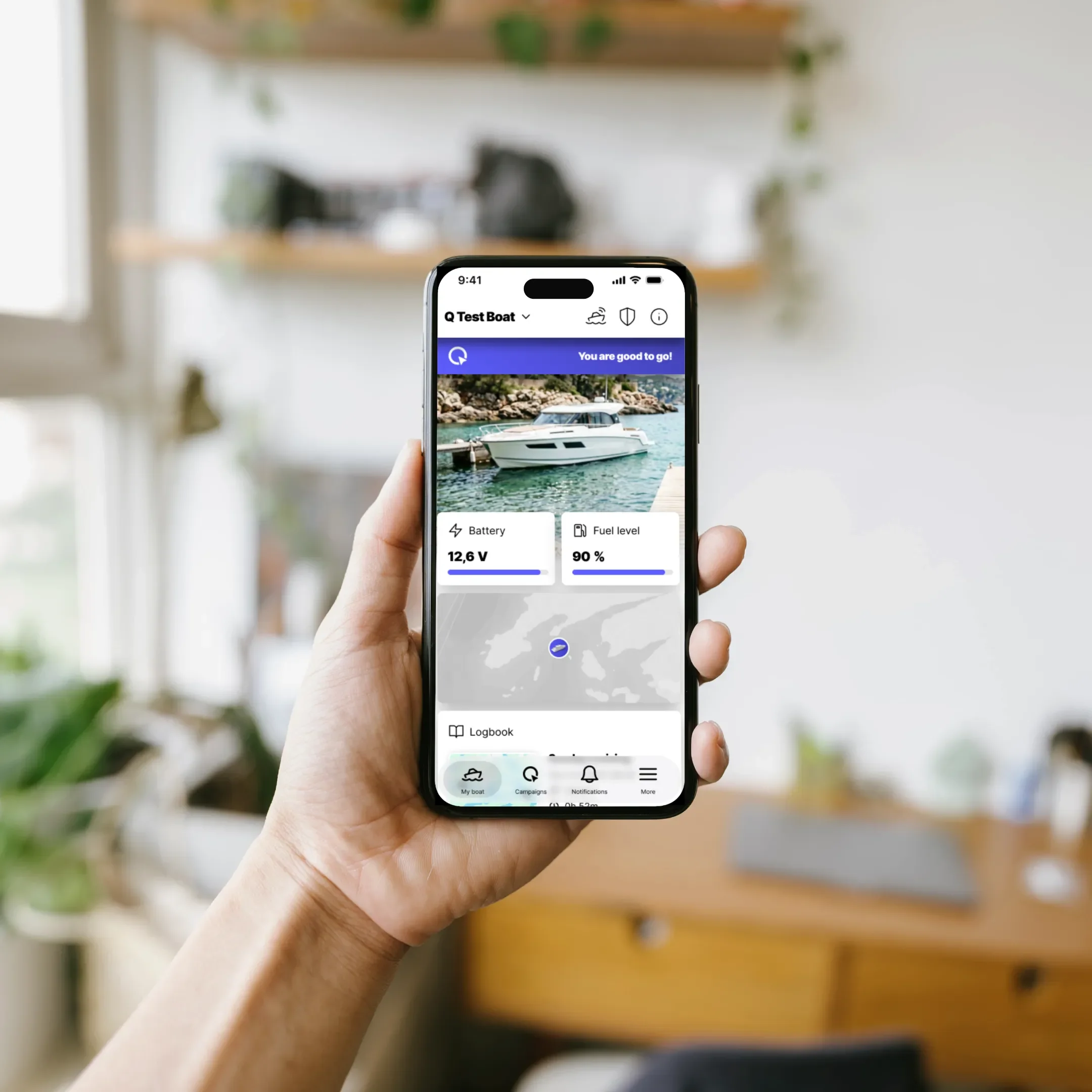
Q App with its Q Guard features is on when the Q Display is not - it keeps your boat safe in the docks and alarms you if your boat is filling with water, if someone is trying to steal your engine or Q Display, and if the boat battery is running out. You'll get notifications on all alarms immediately to your phone. All status updates will be recorded in the guard log that you can see on your phone anytime.
Monitor and control your boat wherever you are:
Battery voltage
Fuel level
Geofence
Water in the bilge
Engine theft alarm
Triplogs and statistics
Engine alarms and hours
If you have any questions regarding the product, don’t hesitate to contact Q Support at q-support@nextfour.com.
*NOTE
To install the new Q Display, some installation and electrical work is needed with cables. See the installation instructions from the product data sheet on this page! The customer is responsible for all installation work and possible costs!
The product warranty is 2 years.
Technical details
-
• Color: black
• Hexacore processor
• Dedicated GPU
• IP67 Front / IP65 Back
-
4G/LTE with preinstalled micro SIM
WLAN client and hotspot*
Wireless pairing with a mobile phone
NMEA 2000
USB
2 IN and 3 OUT pins for Q Guard
2 OUT for remote control
1 analog fuel sensor support
Wakes up every 10 mins for remote controlling
2 Ethernet ports
*Requires Q Connected subscription and data package
-
Navionics+ & Navionics Platinum+
Dock-to-dock auto routing
10 Hz GPS
SD card reader
-
2 x 20W Class-D audio amplifiers
Dual zone RCA audio-output
FM/DAB/DAB+ with additional antenna
Music streaming from a mobile phone
Internet Radio*
*Requires Q Connected subscription and data package
-
• IPS TFT
• AG or AR and AF coating
• Multi-touch functionalities
• Ultra-durable 3 mm glass
• 1 port for aux full-feature display
-
10”
• Dimensions (mm): 260 × 177 × 61
• Cut-out (mm): 248 × 165
12”
• Dimensions (mm): 303 x 209 x 63
• Cut-out (mm): 292 x 198
16”
• Dimensions (mm): 391 x 240 x 64
• Cut-out (mm): 379 x 228
10” Double
• Dimensions (mm): 510 x 180 x 61
• Cut-out (mm): 498 x 168
22”
• Dimensions (mm): 518 x 318 x 64
• Cut-out (mm): 506 x 306
24”
• Dimensions (mm): 570 x 348 x 68
• Cut-out (mm): 558 x 336
-
In use / in Q Guard mode*
10”: 17W / 0,2W
12”: 22W / 0,2W
16”: 38W / 0,2W
10” Double: 31W / 0,2W
22”: 58W / 0,2W
24”: 55W / 0,2W
*Audio amplifier increases power consumption by a maximum of 5A
-
10”
• Resolution: 1280*800
• Brightness (cd/m2): 850
• Contrast: 800
12”
• Resolution: 1280*800
• Brightness (cd/m2): 1300
• Contrast: 1000
16”
• Resolution: 1920*1080
• Brightness (cd/m2): 1000
• Contrast: 1000
10” Double
• Resolution: Dual 1280*800
• Brightness (cd/m2): 850
• Contrast: 800
22”
• Resolution: 1920*1080
• Brightness (cd/m2): 1400
• Contrast: 1000
24”
• Resolution: 1920*1080
• Brightness (cd/m2): 1000
• Contrast: 1000
Powerful features. Beautifully simple.
-
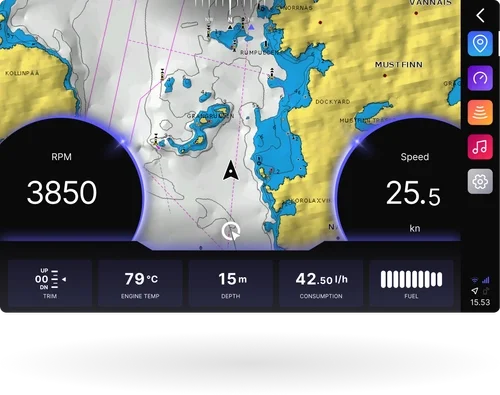
Enhanced Navigation
The Q Display is compatible with and supports all Navionics+ and Navionics Platinum+ features, including dock-to-dock auto routing, enhanced with genuine Q add-ons, such as transparent widgets and overlay dashboards, and intuitive chart controls.
-
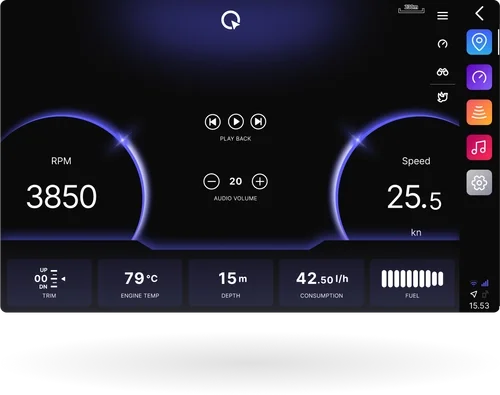
Modern Dashboards
Q Display replaces traditional gauges and physical instruments with modern, sleek, and customizable dashboards. Select which suits you the best: modern, classic, sailing instrument, or data heavy - or even best better use them all.
-
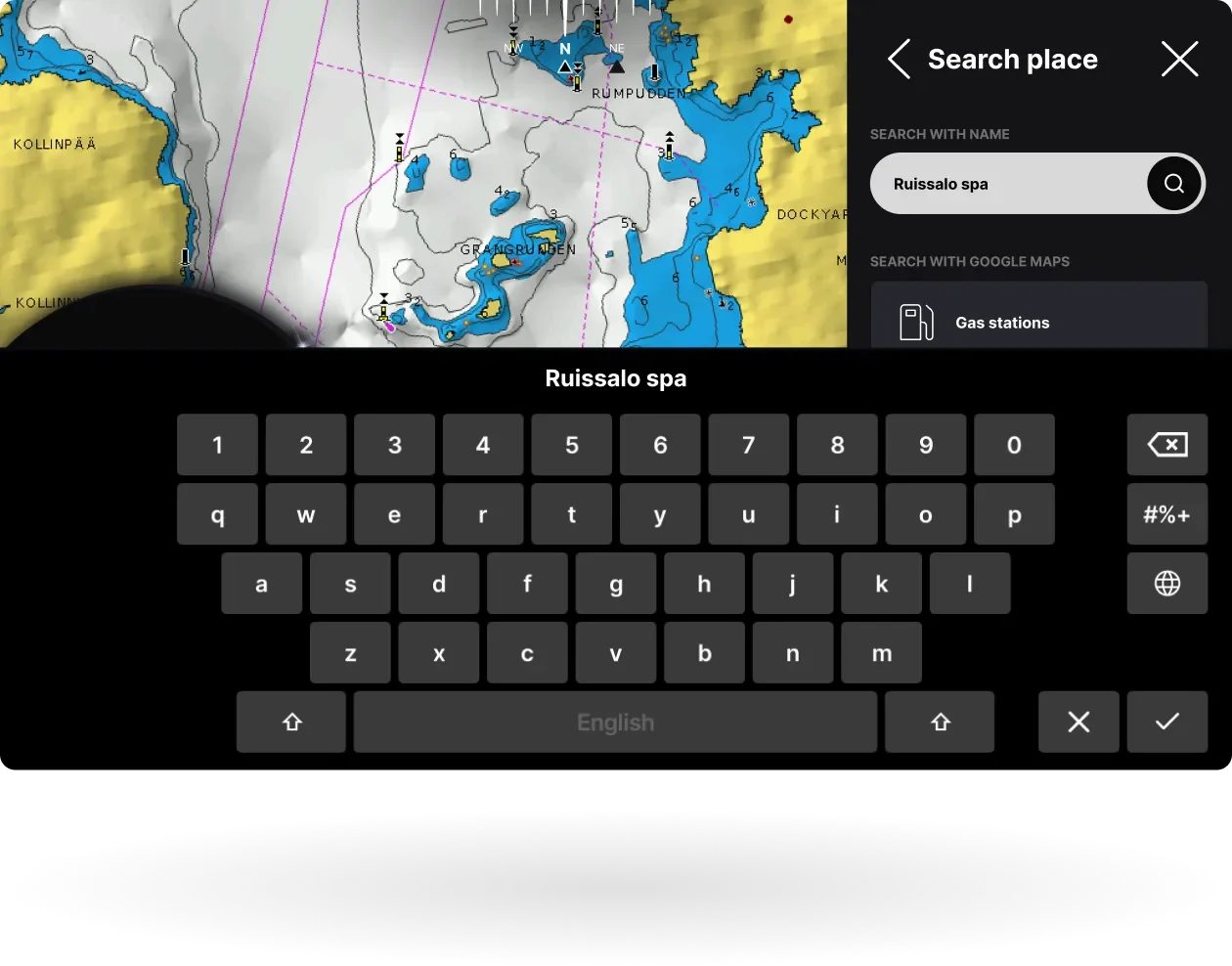
Online Search on Chart
The navigation application supports online place search through OpenStreetMap integration. Search for destinations directly in the chart and navigate or autoroute there without leaving the chart view.
Requires a Q Connected subscription or an external internet connection
-
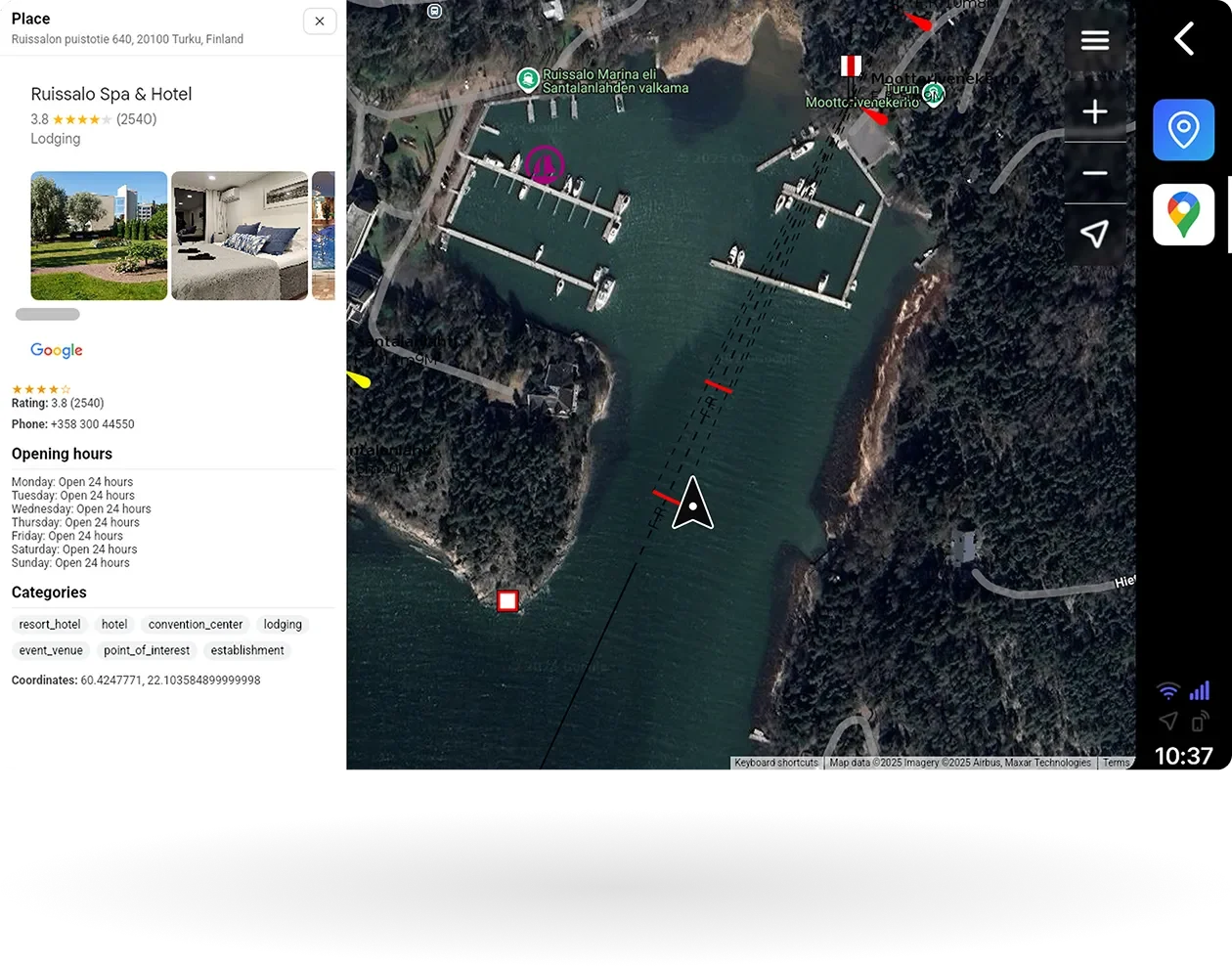
Google Maps
Google Maps is a dedicated native application on Q Display. Search for destinations from the extensive Google Places database, explore satellite imagery, and navigate with OpenSeaMap seamarks, all directly on your display.
Requires a Q Connected subscription and an internet connection
-
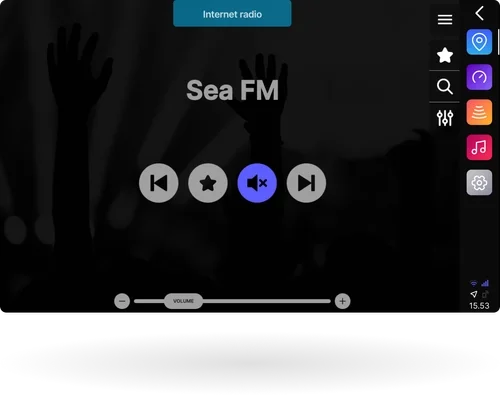
Music and entertainment
With Q Display’s built-in audio amplifier, you can just connect speakers with the Q Speaker cable, and your onboard entertainment center is ready. Stream music from your mobile or listen to internet radio* - the rest is up to you.
*Requires a Q Connected subscription and an internet connection
-
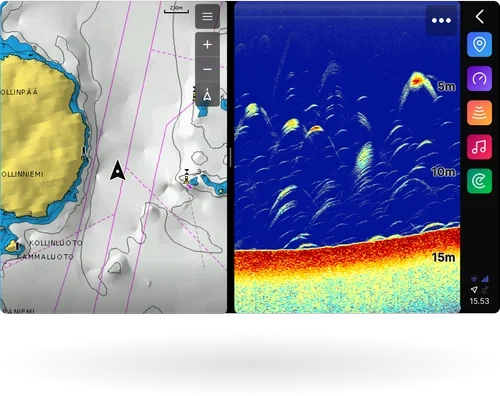
Split Views
With split views, you can keep everything important in sight. View your chart alongside fishfinder, music controls, or other apps – all on the same screen. Whether you’re navigating tricky routes or just keeping an eye on multiple systems, split views make it simple, seamless, and safe.
-
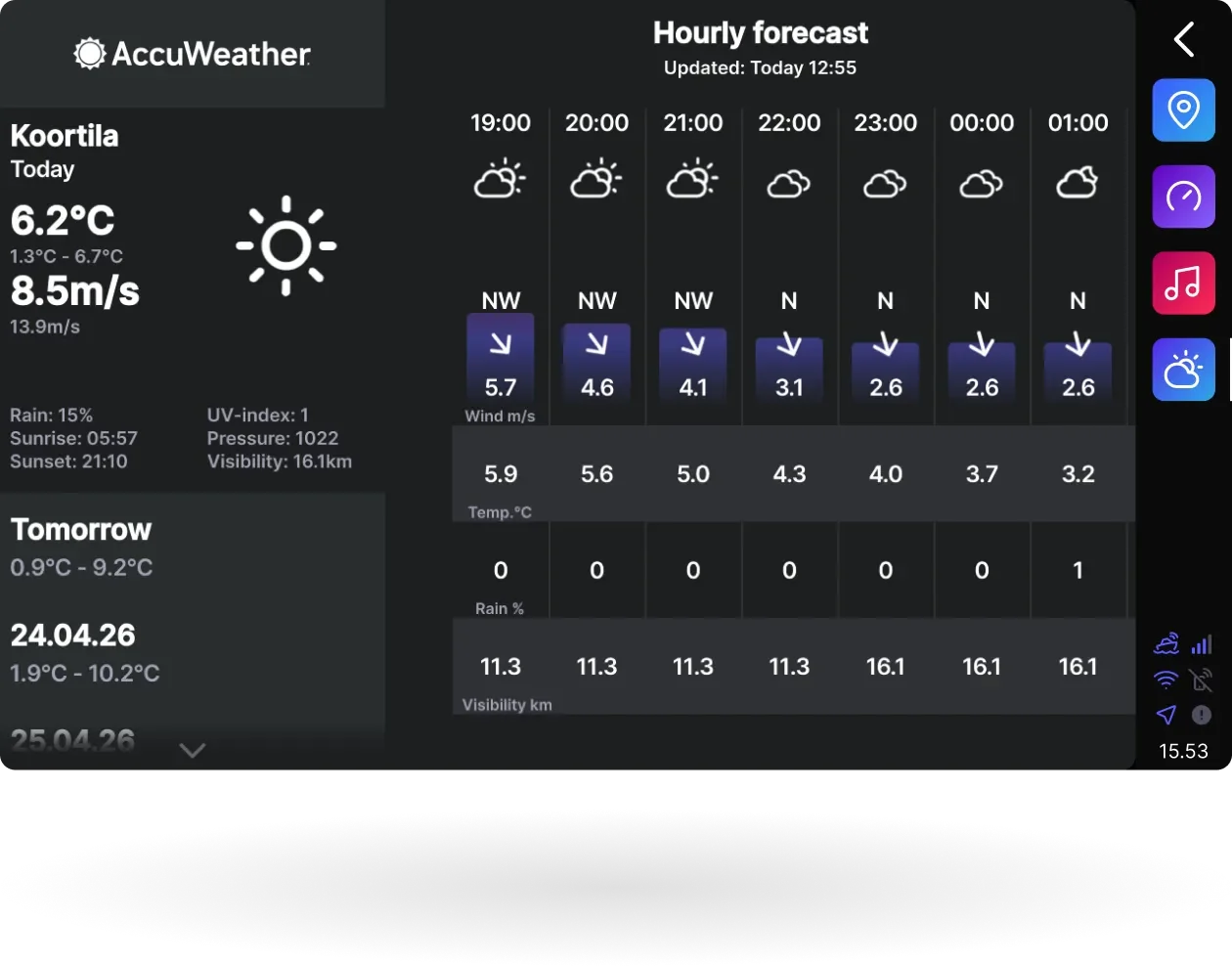
Accuweather
Get the latest weather forecasts directly on your Q Display. AccuWeather provides real-time wind, wave and weather pattern data to help you make smarter decisions before and during every trip.
Requires a Q Connected subscription or an external internet connection
-
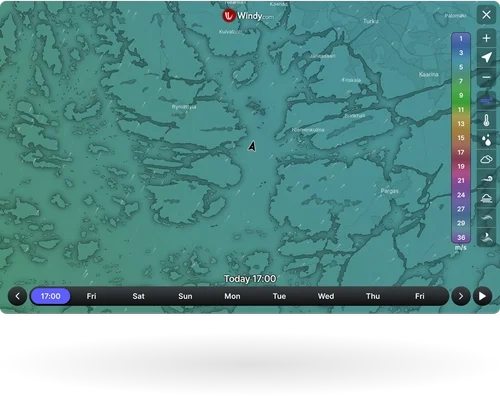
Windy
Windy brings its advanced weather radar and forecast visualizations directly to your Q Display. Track wind, waves and weather patterns in real time with one of the most popular weather services used by boaters worldwide.
Included in Q Connected subscription.
-
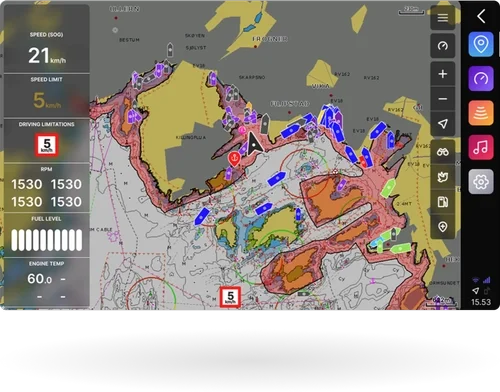
Limitation Areas
Navigate with confidence using built-in support for official speed limits and restricted areas in Finland and Norway. Limitation areas are shown directly on the chart, including when the restrictions end.
Included in the Q Connected subscription -
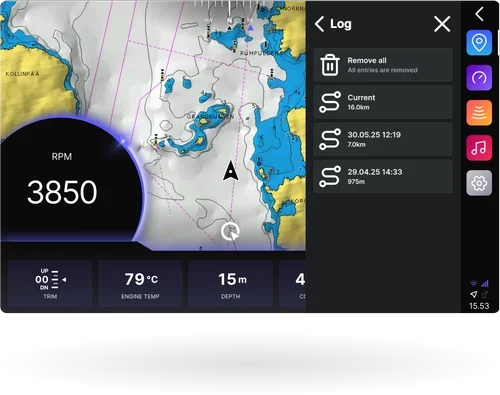
Logbook
The Q Display automatically records your trips, routes, consumption, and other key data into a digital logbook — no pen and paper needed. Review past journeys, track fuel usage, and revisit your favorite destinations with ease.
Logbook accessible also from the Q App.
-
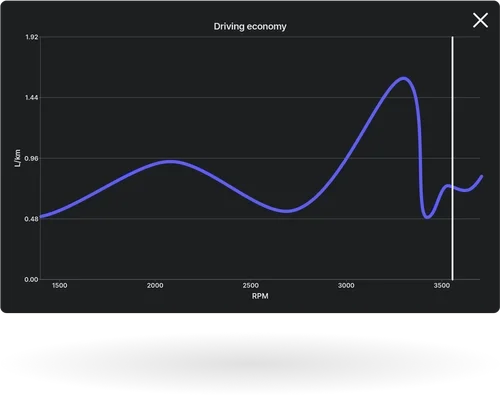
Statistics
Get visualizations of your boat’s performance in real-time. For example, the Consumption/RPM graph helps you find the most fuel-efficient cruising speed by showing your fuel consumption relative to engine RPM. Whether you’re looking to optimize range or reduce fuel costs, this tool makes smarter, more economical boating simple.
-
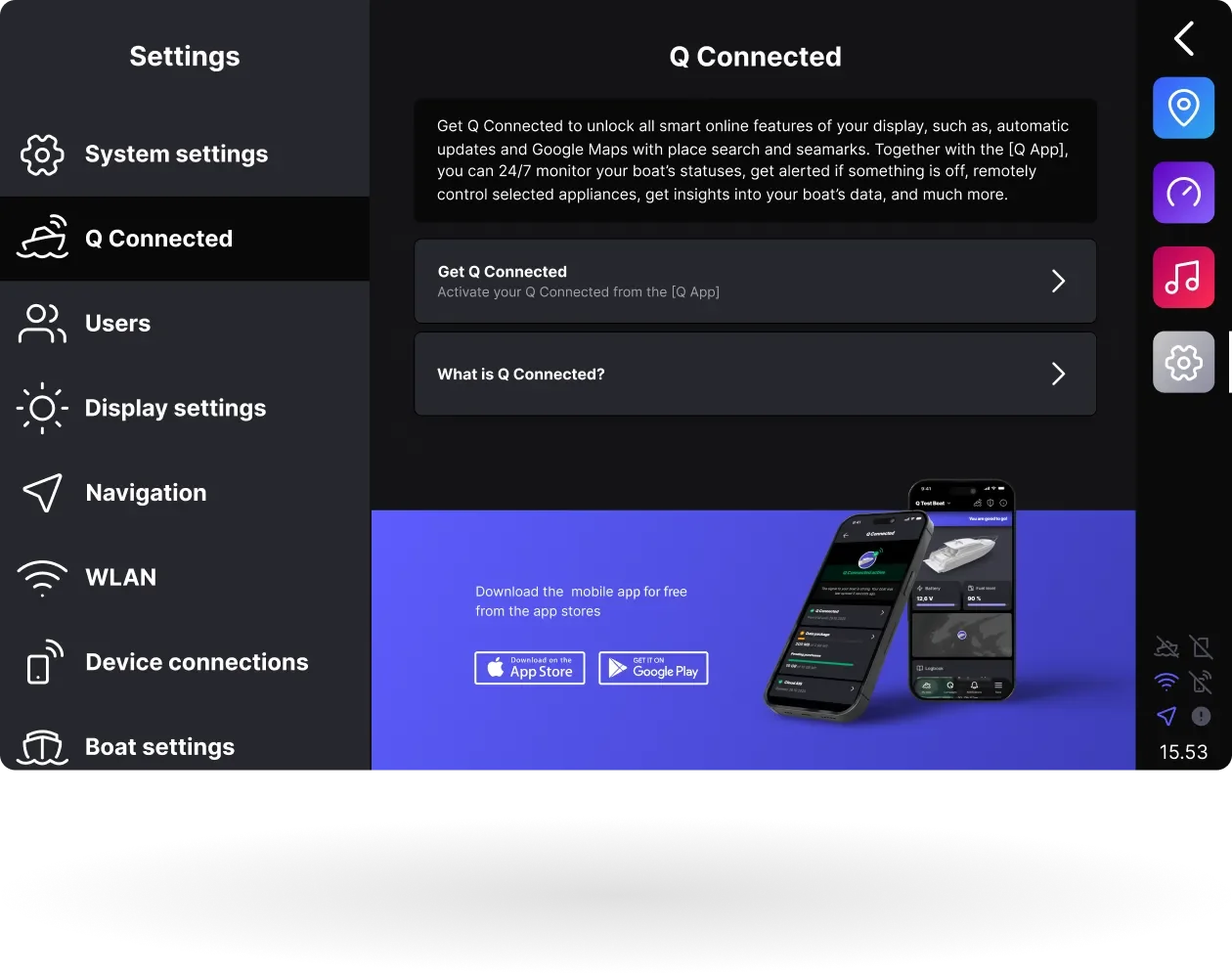
Intuitive Settings
The Q Display settings are designed to be easy to use, yet powerful enough to cover even the most complex boating needs. From fine-tuning chart behavior to customizing system preferences, everything is accessible through a clear, intuitive interface - giving you full control without the complexity.
-
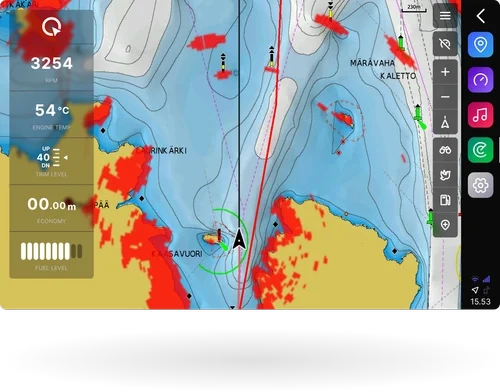
Radar
Q Display supports Raymarine Quantum CHIRP radar, offering both traditional radar views and radar overlay directly on the chart - perfect when navigating with charts and want radar information in view at the same time.
-
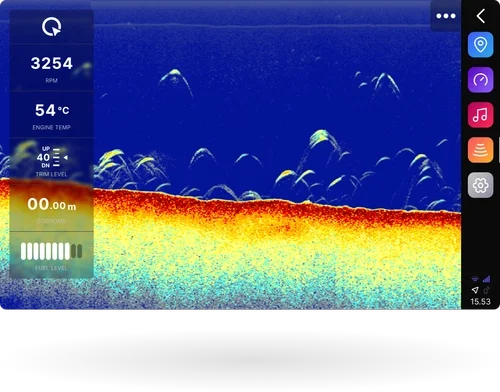
Fishfinders
With Airmar all-in-one CHIRP fishfinders, the Q Display delivers clear bottom imaging and precise fish target detection. Supporting both transom and thru-hull mounting with depth ranges up to 457 m, it’s a plug-and-play sonar solution designed for effortless integration.
-
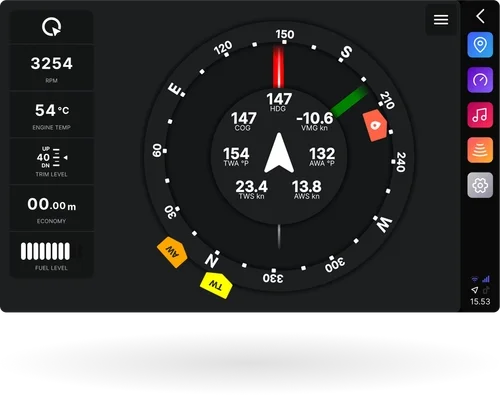
Sailing Instrument
Q Display’s sailing instrument replaces traditional gauges and physical instruments with a digital solution. It delivers all your essential sailing-related and calculated data in one place, with customizable widgets to tailor the view exactly how you want it.
-
Cloud AIS
Cloud AIS brings AIS vessel data directly to the chart without the need for an external AIS receiver. See nearby vessels with their name, position, speed and course, and get collision warnings and Man Over Board alerts.
Please note that your position is not transmitted to other AIS users.
Available as an add-on to a Q Connected subscription
Stay connected to your boat. All the time.
Pairing your Q Display with the Q App, the Q Connected -subscription, and with the Q Guard -cables, gives you full control - wherever your life takes you.
Q Connected -subscription gives your Q Display a 24/7, always-on internet connection - even when the display is off.
Q App enables you to see your boat’s location, access live boat data, receive updates automatically, and control key devices remotely - all from your phone. It’s smart, secure, and made to make boating easier.
Q Guard is your ultimate surveillance system, which immediately sends you a notification if something is not right: boat leaves the docking area without authorization, bilge water level rises, the battery voltage drops too low, the engine is stolen, or the boat is hitting the dock.